


















Description
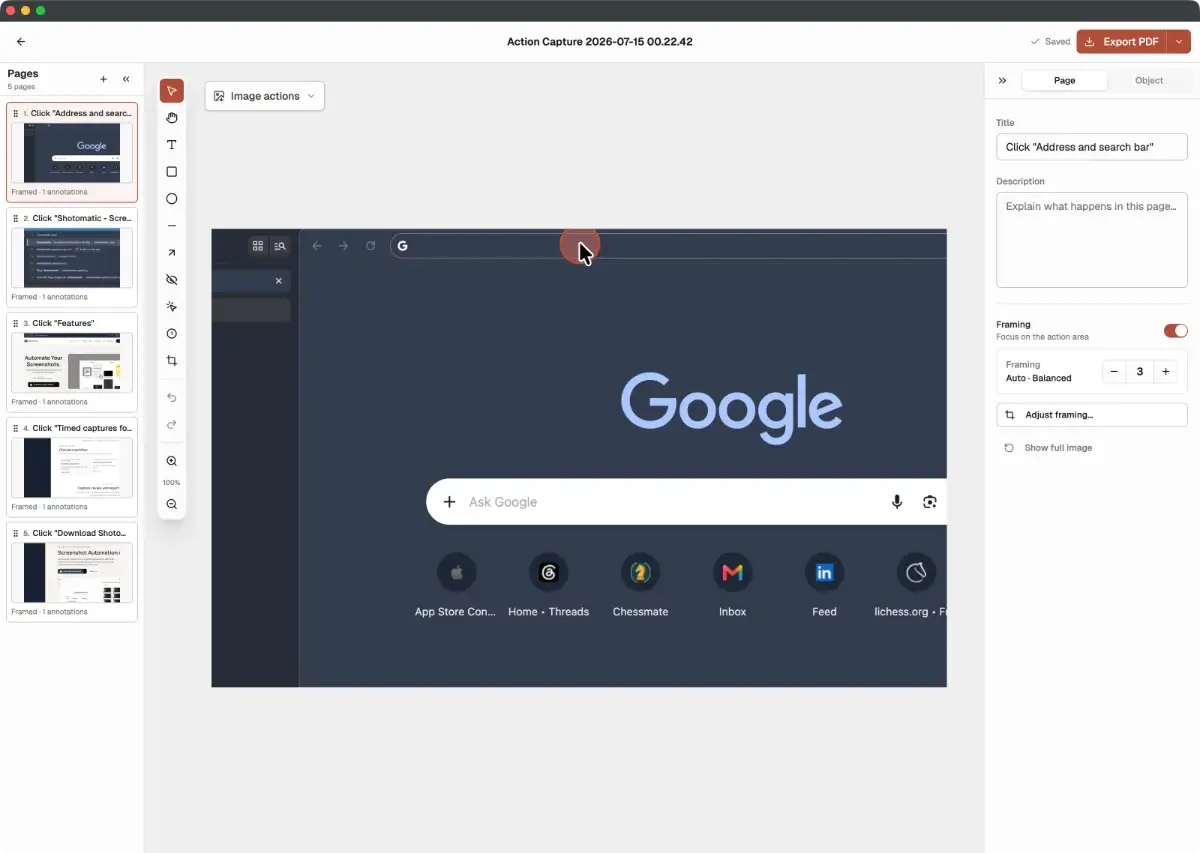
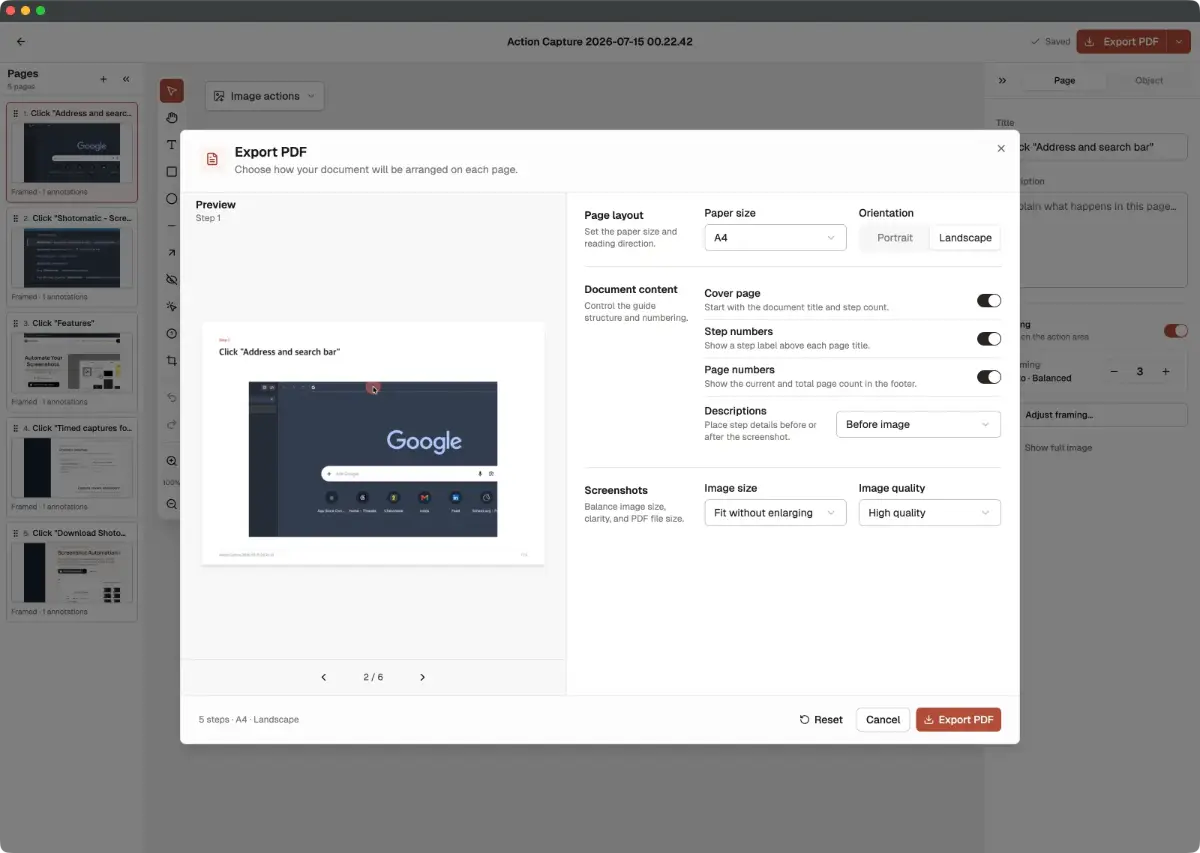
Shotomatic is a macOS app that turns repeatable screen workflows into organized visual documents. Action Capture. Choose Active Window, Full Screen, Specific Window, or Capture Area, then complete a task normally. Shotomatic saves the screen immediately before each accepted click, marks the action, and opens the sequence as an editable Document. Build guides without stopping after every step.…
Preview

Information
People also visit
Apps people often open alongside Shotomatic.

FileNav
Windows Explorer experience for Mac with dual-pane browsing and folder tree

lidawake by zaYco
Keeps your Mac awake with the lid closed — and gives sleep back

ShiftPlus
Switch your entire Mac workspace — browser, apps, windows, terminal — in 1 tap
Shotomatic FAQ
What is Shotomatic?
Shotomatic is a macOS app that turns repeatable screen workflows into organized visual documents. Action Capture. Choose Active Window, Full Screen, Specific Window, or Capture Area, then complete a task normally. Shotomatic saves the screen immediately before each accepted click, marks the action, and opens the sequence as an editable Document. Build guides without stopping after every step.
Is Shotomatic free?
Shotomatic is freemium.
Do I need to download Shotomatic?
No. Shotomatic runs in your browser at shotomatic.com, so there's nothing to install.
What are the best Shotomatic alternatives?
Popular alternatives to Shotomatic include ButterKit, FileBridge and FileNav. See all Shotomatic alternatives