























Description
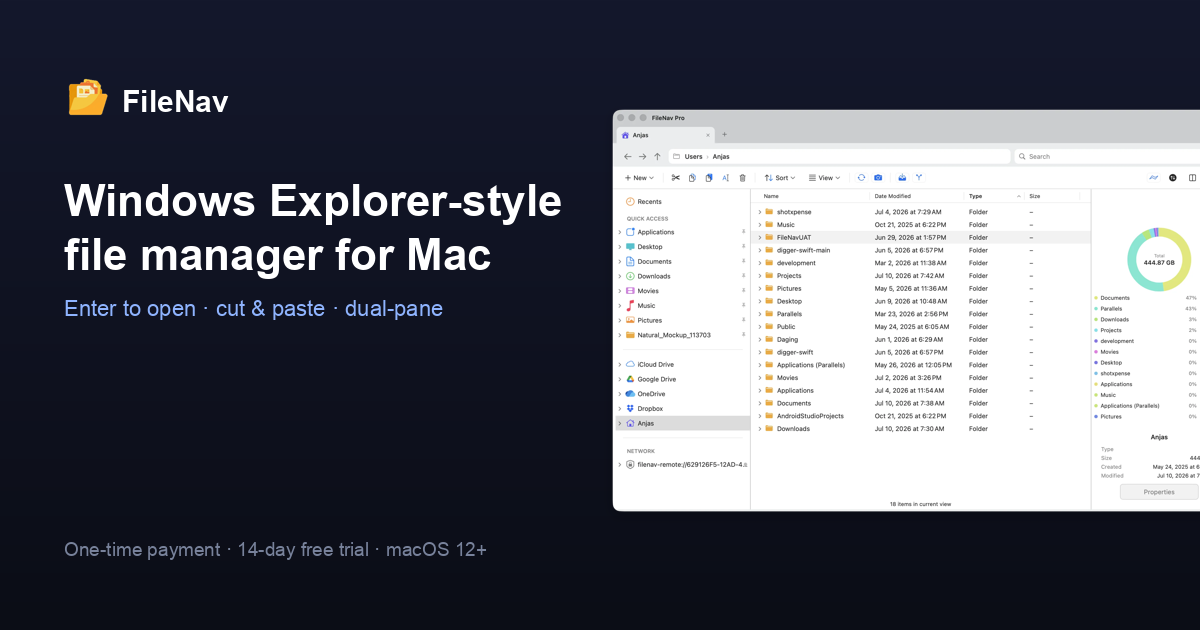
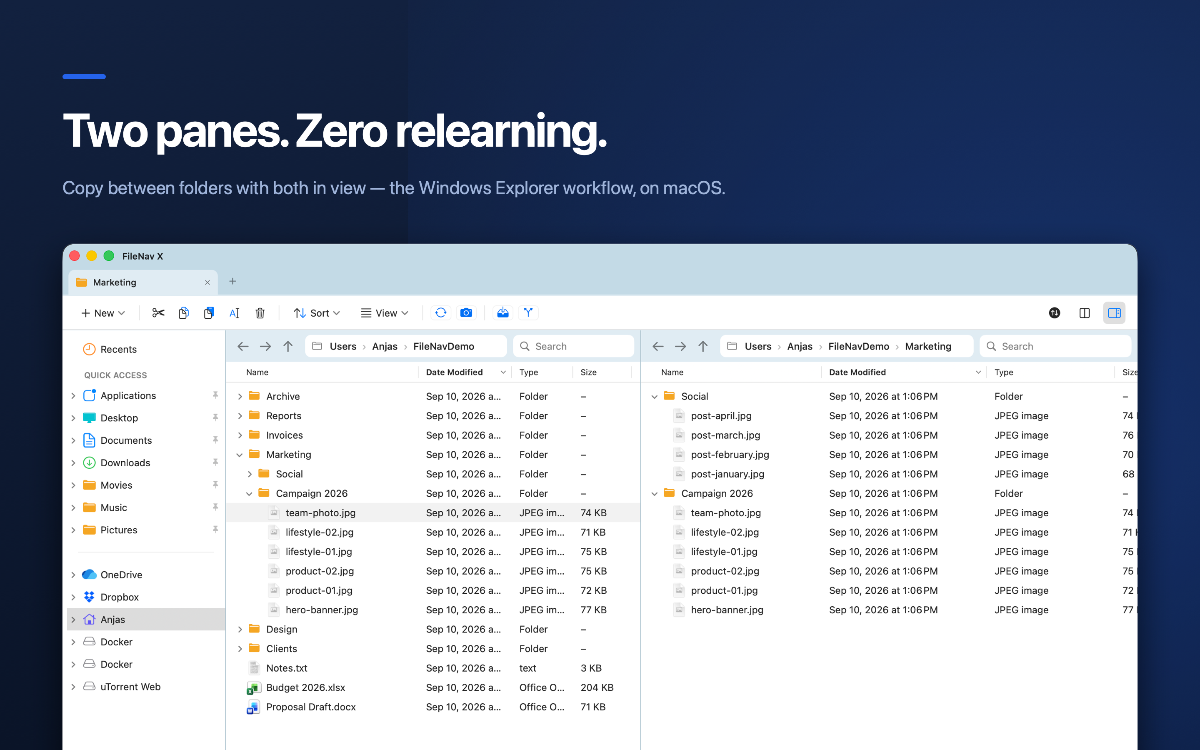
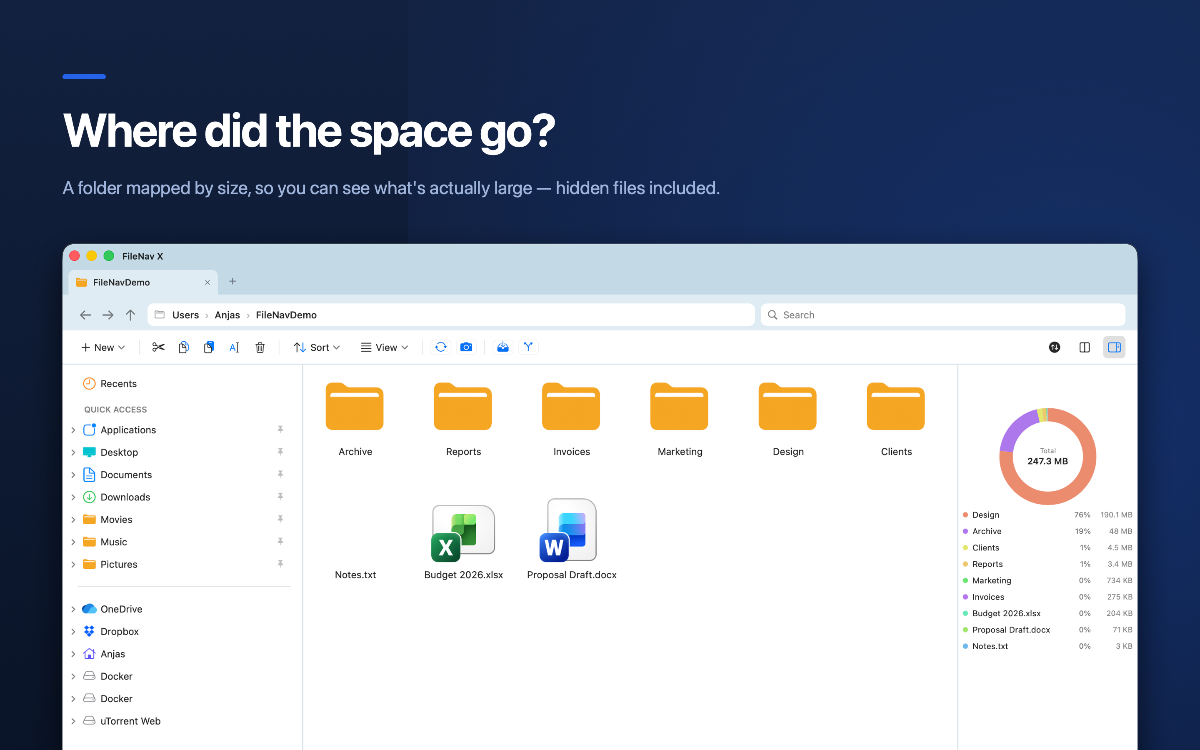
FileNav brings the familiar Windows Explorer experience to macOS. Built for users transitioning from Windows to Mac, it offers dual-pane file browsing, a folder tree sidebar, and keyboard shortcuts you already know. Features include side-by-side file navigation, intuitive folder hierarchy visualization, and Windows-style workflows — all without subscriptions. Available as a one-time purchase.…
Preview
Information
People also visit
Apps people often open alongside FileNav.
FileNav FAQ
What is FileNav?
FileNav brings the familiar Windows Explorer experience to macOS. Built for users transitioning from Windows to Mac, it offers dual-pane file browsing, a folder tree sidebar, and keyboard shortcuts you already know. Features include side-by-side file navigation, intuitive folder hierarchy visualization, and Windows-style workflows — all without subscriptions. Available as a one-time purchase.
Is FileNav free?
No. FileNav is a paid app.
Do I need to download FileNav?
No. FileNav runs in your browser at filenav.app, so there's nothing to install.
What are the best FileNav alternatives?
Popular alternatives to FileNav include FileBridge, Freeter and Hangar for Mac. See all FileNav alternatives