














Description
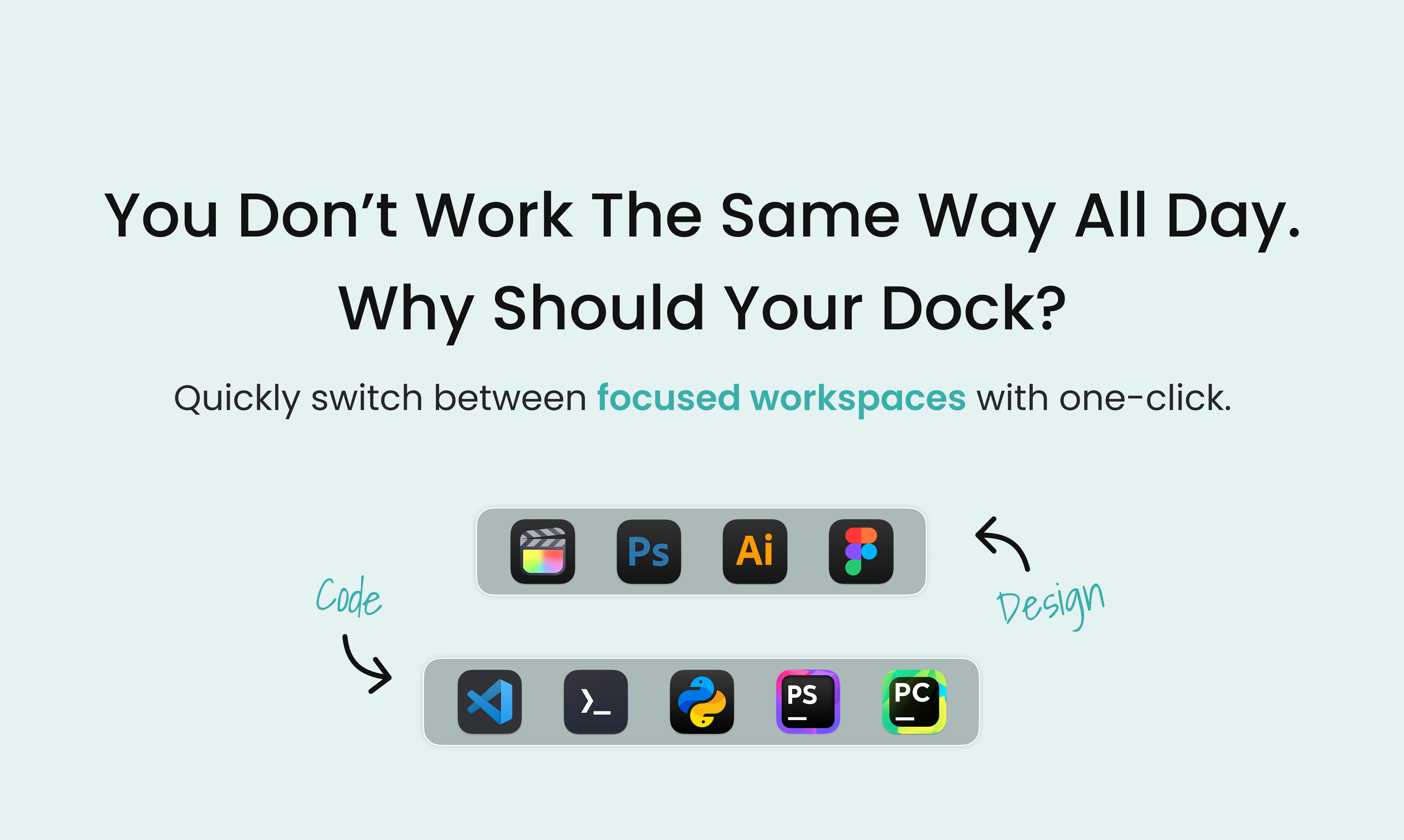
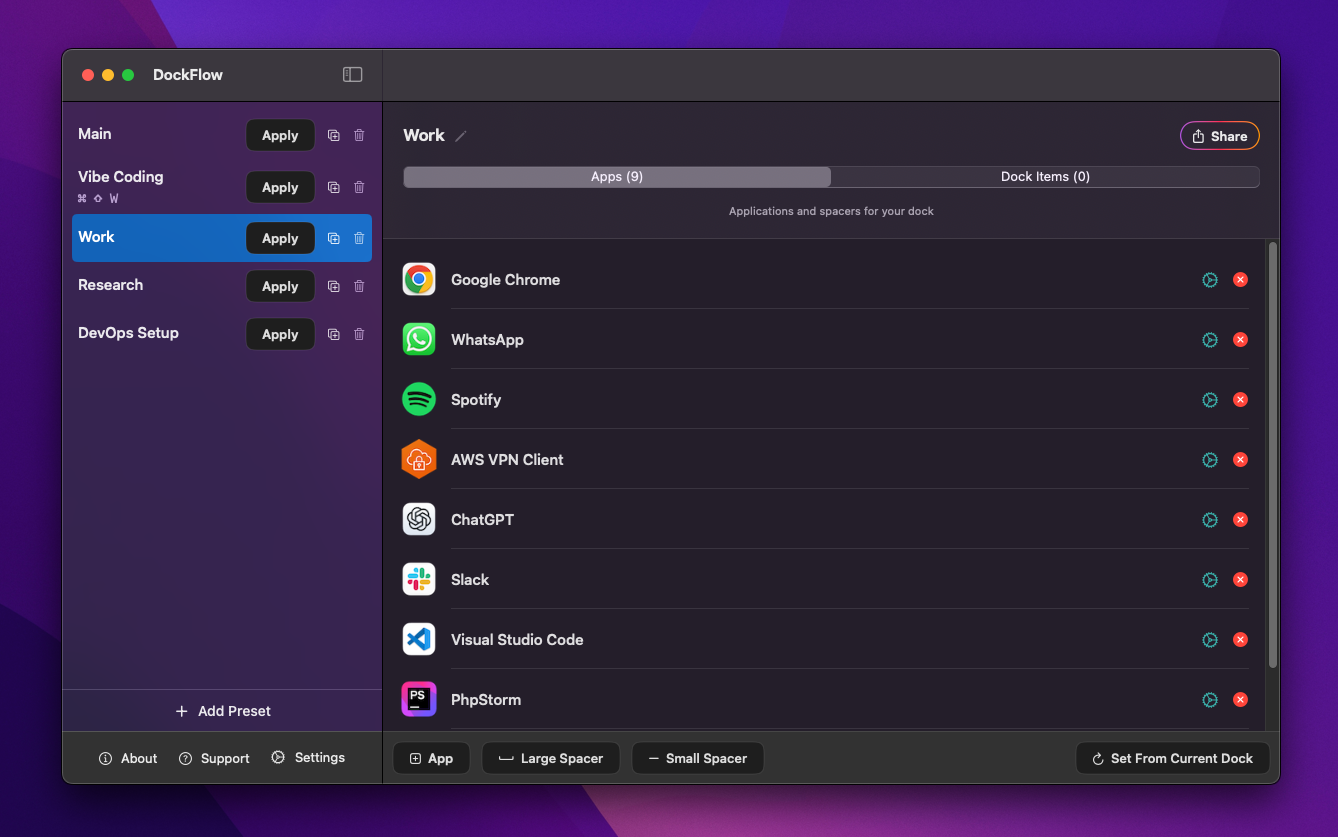
DockFlow is a powerful macOS productivity app that lets you save multiple Dock presets and instantly switch between them, streamlining your workflow. Whether you’re coding, designing, writing, or gaming, DockFlow automatically launches the apps you need and closes the ones you don’t - transforming your Dock to suit the task at hand.…
Preview
Highlights
- On dock switch
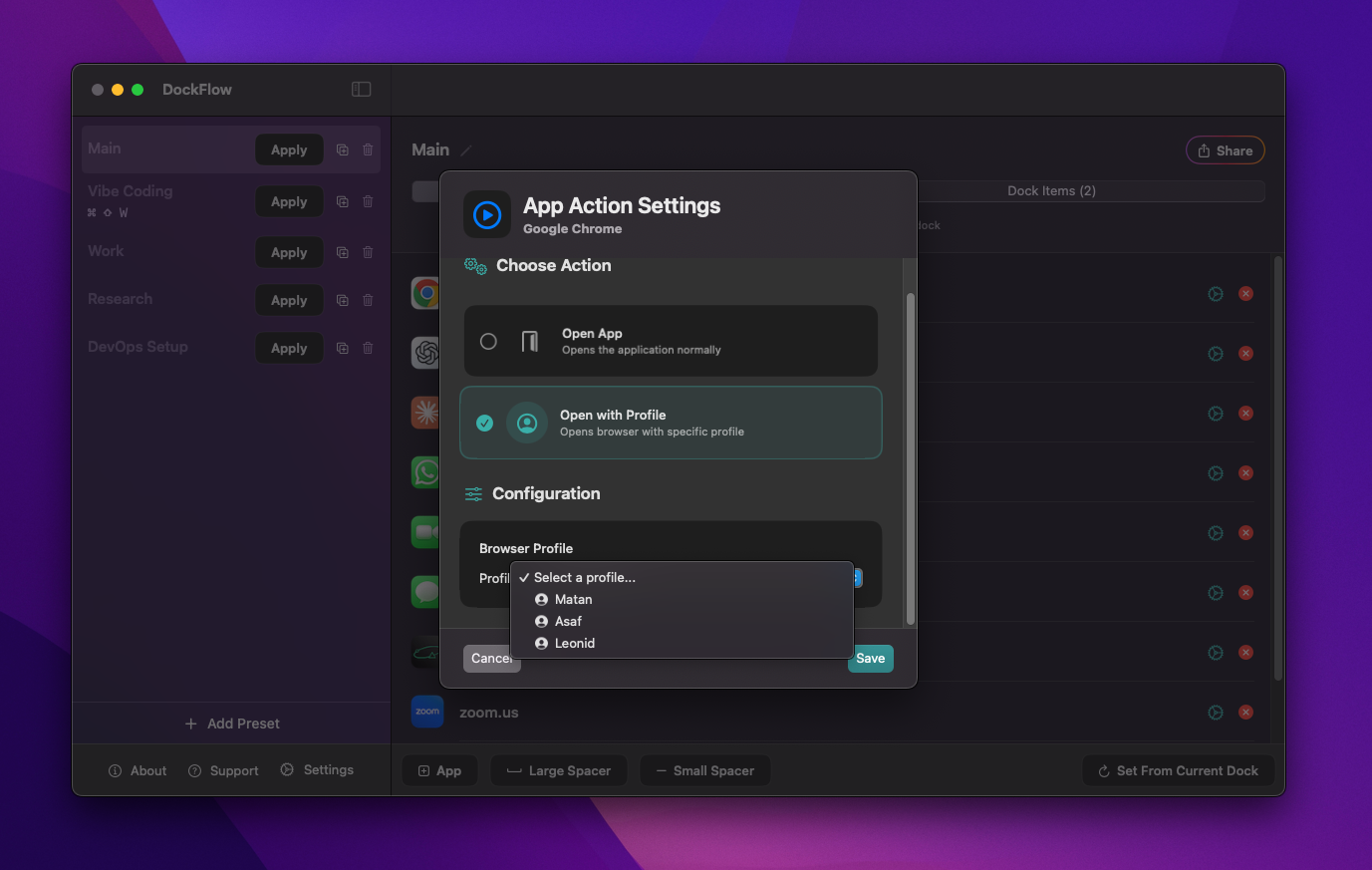
- Personalized App Actions
People also visit
Apps people often open alongside DockFlow.

FileNav
Windows Explorer experience for Mac with dual-pane browsing and folder tree
DockFlow FAQ
What is DockFlow?
DockFlow is a powerful macOS productivity app that lets you save multiple Dock presets and instantly switch between them, streamlining your workflow. Whether you’re coding, designing, writing, or gaming, DockFlow automatically launches the apps you need and closes the ones you don’t - transforming your Dock to suit the task at hand.
Is DockFlow free?
No. DockFlow is a paid app.
Do I need to download DockFlow?
No. DockFlow runs in your browser at dockflow.appitstudio.com, so there's nothing to install.
What can you do with DockFlow?
Main features: On dock switch, Personalized App Actions.
What are the best DockFlow alternatives?
Popular alternatives to DockFlow include Noden, Freeter and ProcessSpy. See all DockFlow alternatives