



















Description
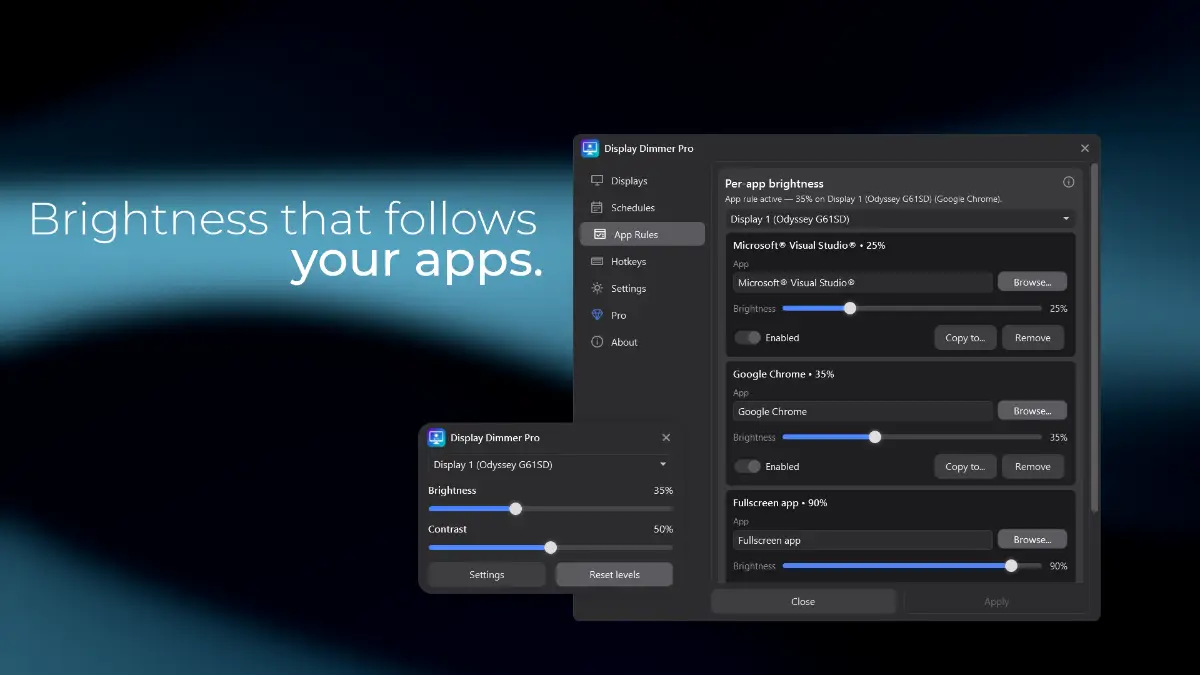
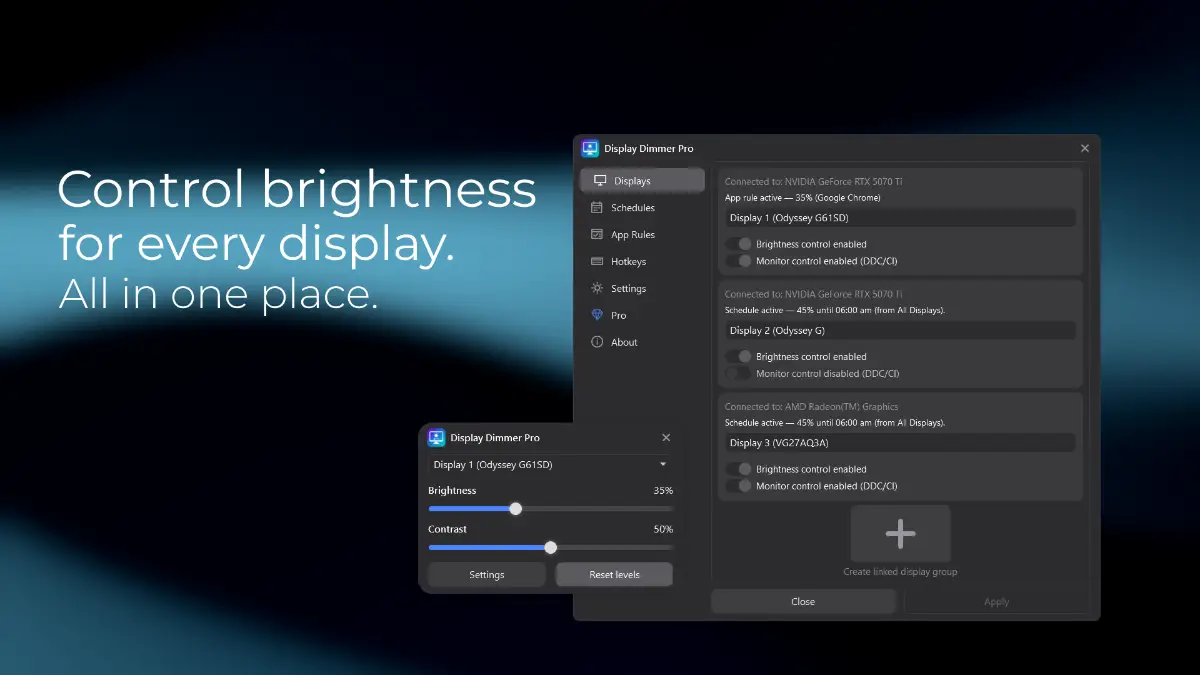
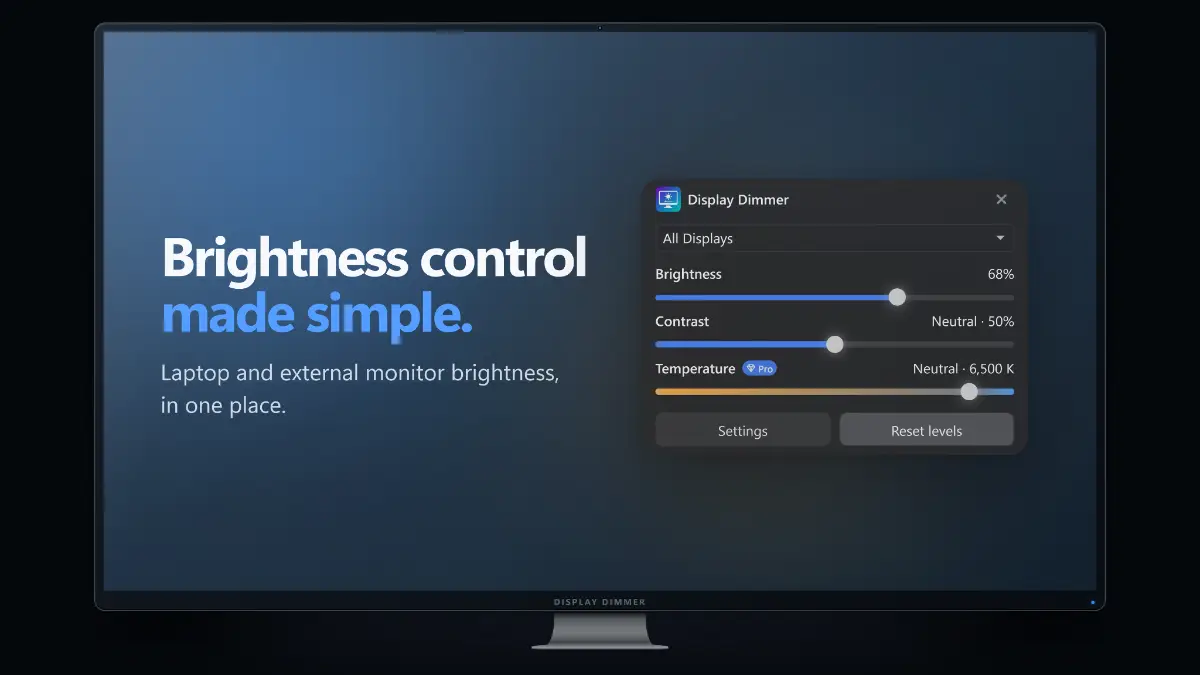
Brightness control made simple. A screen that is too bright. Monitor buttons that are awkward to reach. Different brightness levels across your desk. Display Dimmer brings laptop and external monitor brightness control into one Windows app. Adjust brightness and contrast for each display individually, or change your whole setup together.…
Preview
Information
People also visit
Apps people often open alongside Display Dimmer.

Lumshot
Screen capture, annotation, and recording built for getting things done
GitHub Actions Cost Calculator
See exactly what your GitHub Actions workflows cost before the bill arrives

PC Nest Speaker App
PC Nest Speaker-Desktop Audio Streaming to Google Nest & Chromecast

FileNav
Windows Explorer experience for Mac with dual-pane browsing and folder tree
Display Dimmer FAQ
What is Display Dimmer?
Brightness control made simple. A screen that is too bright. Monitor buttons that are awkward to reach. Different brightness levels across your desk. Display Dimmer brings laptop and external monitor brightness control into one Windows app. Adjust brightness and contrast for each display individually, or change your whole setup together.
Is Display Dimmer free?
Display Dimmer is freemium.
Do I need to download Display Dimmer?
No. Display Dimmer runs in your browser at displaydimmer.com, so there's nothing to install.
What are the best Display Dimmer alternatives?
Popular alternatives to Display Dimmer include Lumshot, Cozy Watch and GitHub Actions Cost Calculator. See all Display Dimmer alternatives