


.png?auto=compress&fit=max&w=128)















Description
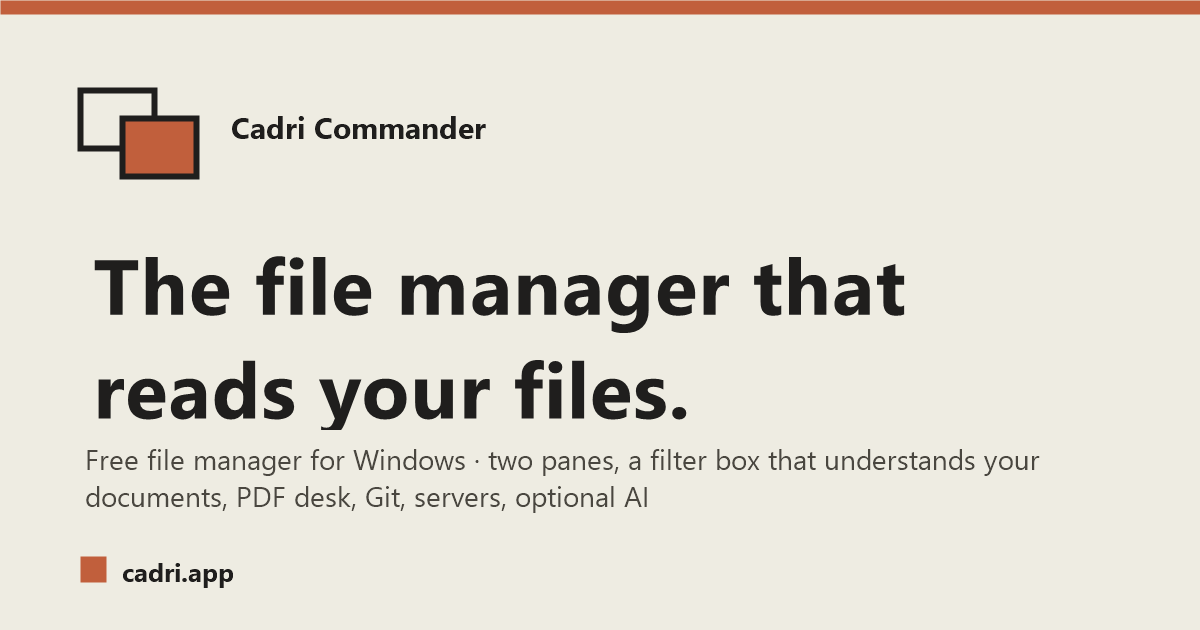
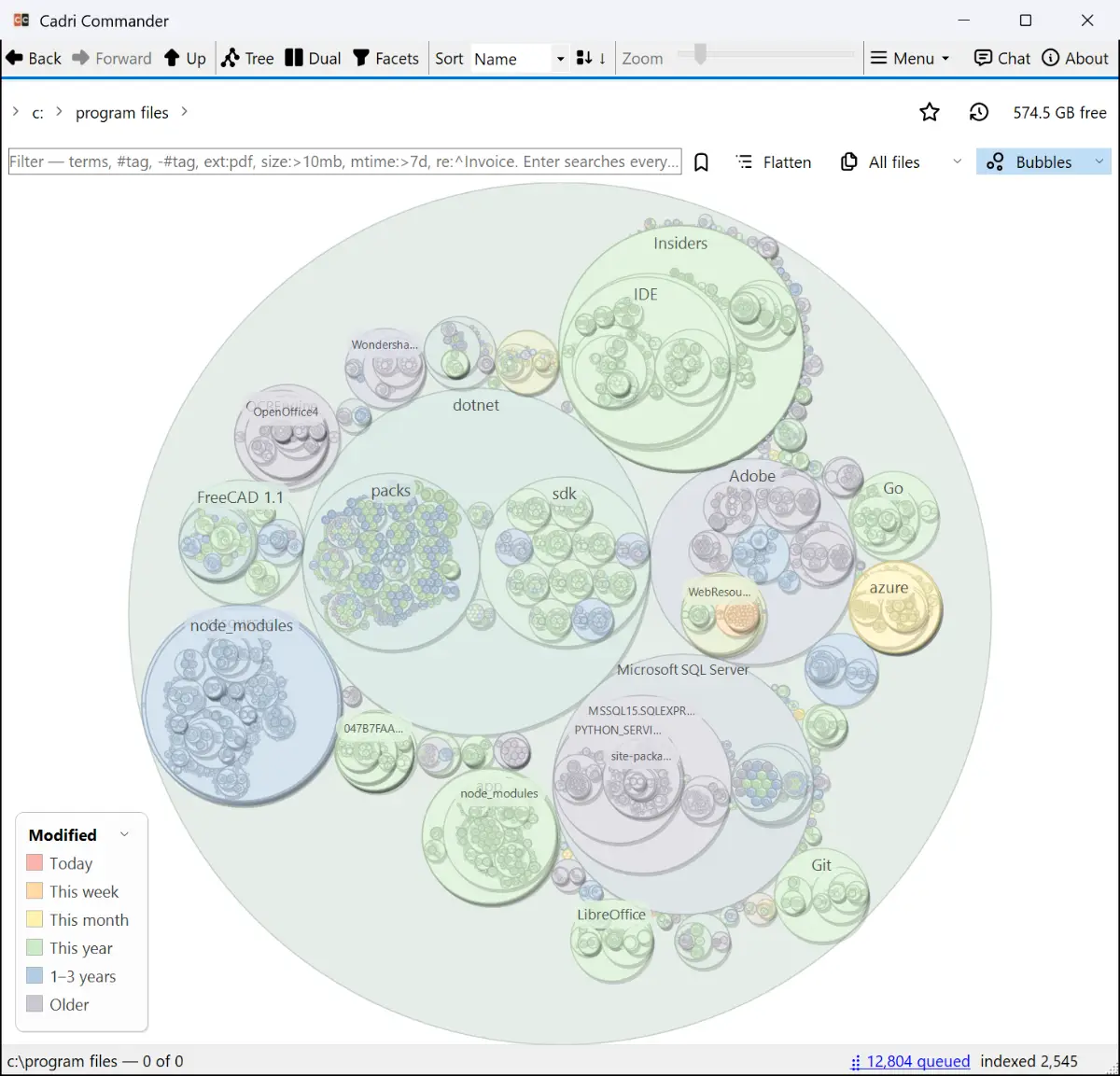
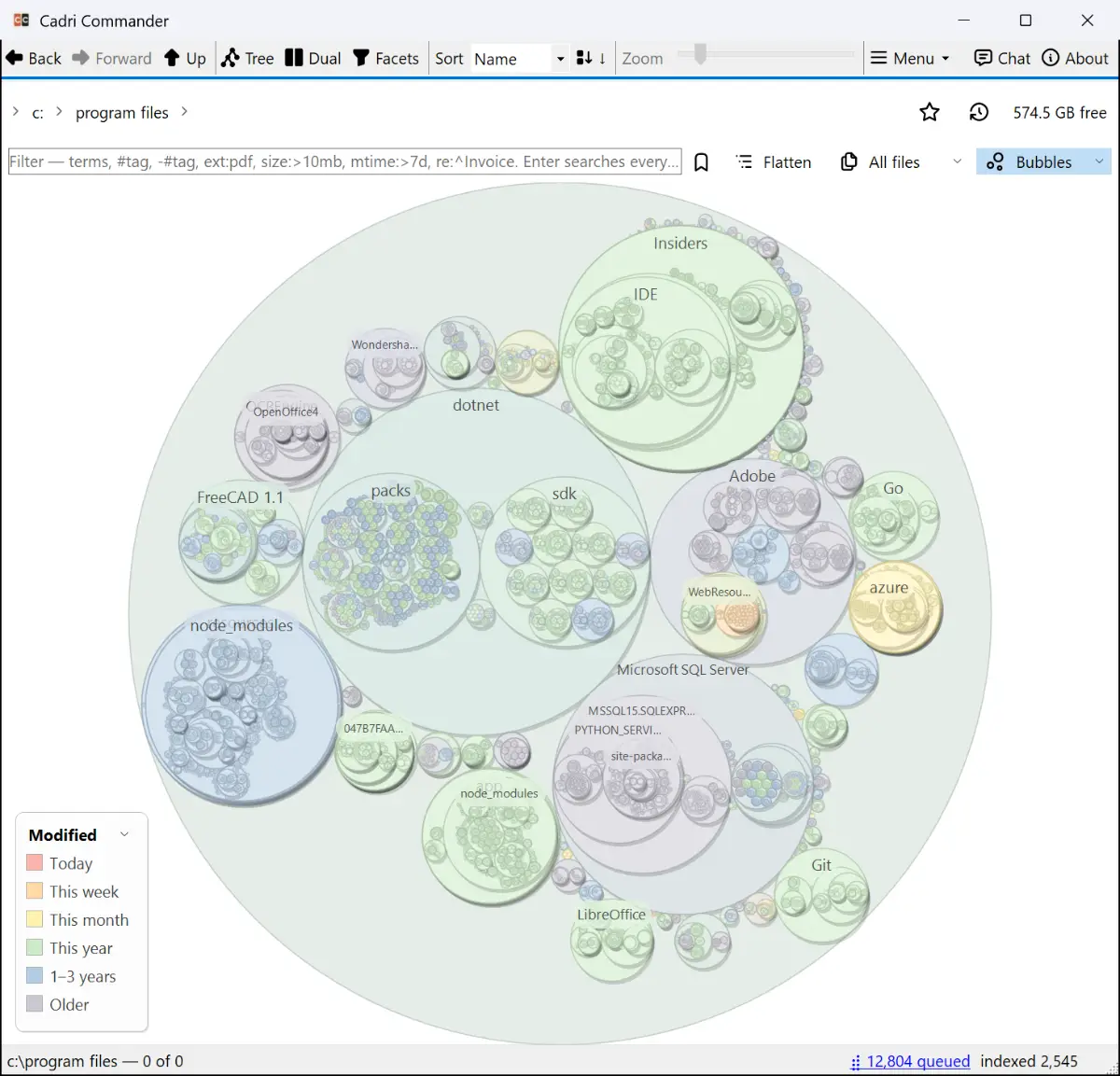
Cadri Commander brings dual-pane file management, visual browsing, PDF tools, Git history and remote storage into one Windows application. Preview documents, browse archives like folders, organize files with tags and notes, and search across filenames, metadata and document content without switching tools.…
Preview
Information
People also visit
Apps people often open alongside Cadri Commander.

Lumshot
Screen capture, annotation, and recording built for getting things done

PC Nest Speaker App
PC Nest Speaker-Desktop Audio Streaming to Google Nest & Chromecast

FileNav
Windows Explorer experience for Mac with dual-pane browsing and folder tree

LastSafe Backup Tool for Windows
LastSafe - Fast Windows Backup Tool with Real-Time Live Versioning
Cadri Commander FAQ
What is Cadri Commander?
Cadri Commander brings dual-pane file management, visual browsing, PDF tools, Git history and remote storage into one Windows application. Preview documents, browse archives like folders, organize files with tags and notes, and search across filenames, metadata and document content without switching tools.
Is Cadri Commander free?
Yes. Cadri Commander is free to use.
Do I need to download Cadri Commander?
No. Cadri Commander runs in your browser at cadri.app, so there's nothing to install.
What are the best Cadri Commander alternatives?
Popular alternatives to Cadri Commander include Lumshot, Display Dimmer and PC Nest Speaker App. See all Cadri Commander alternatives