














Description
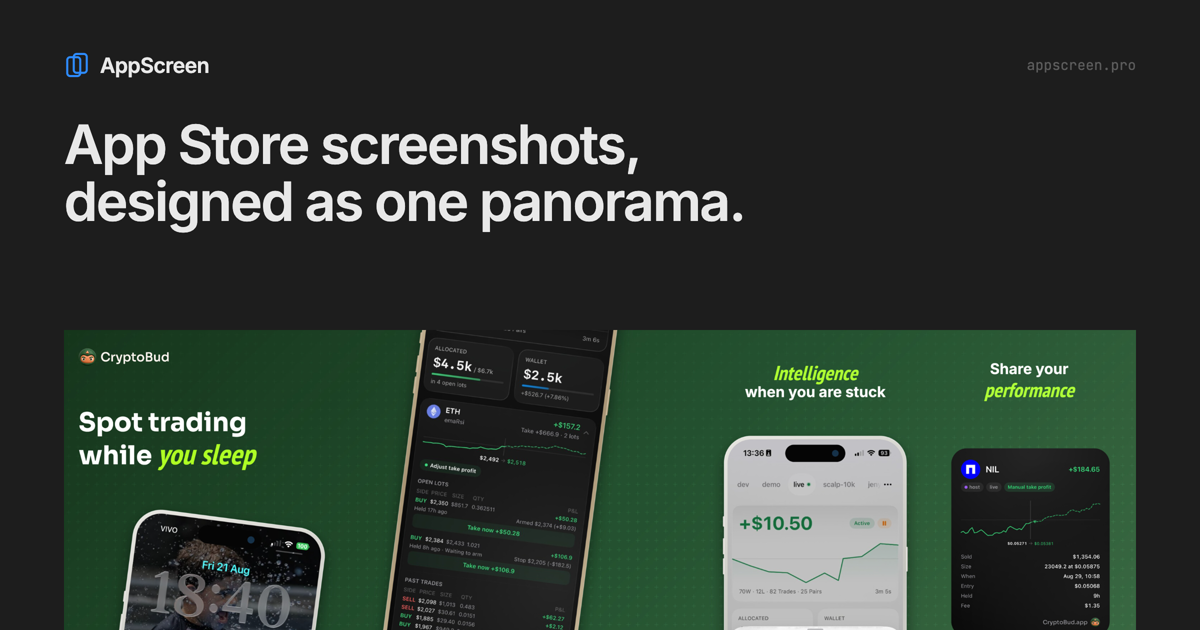
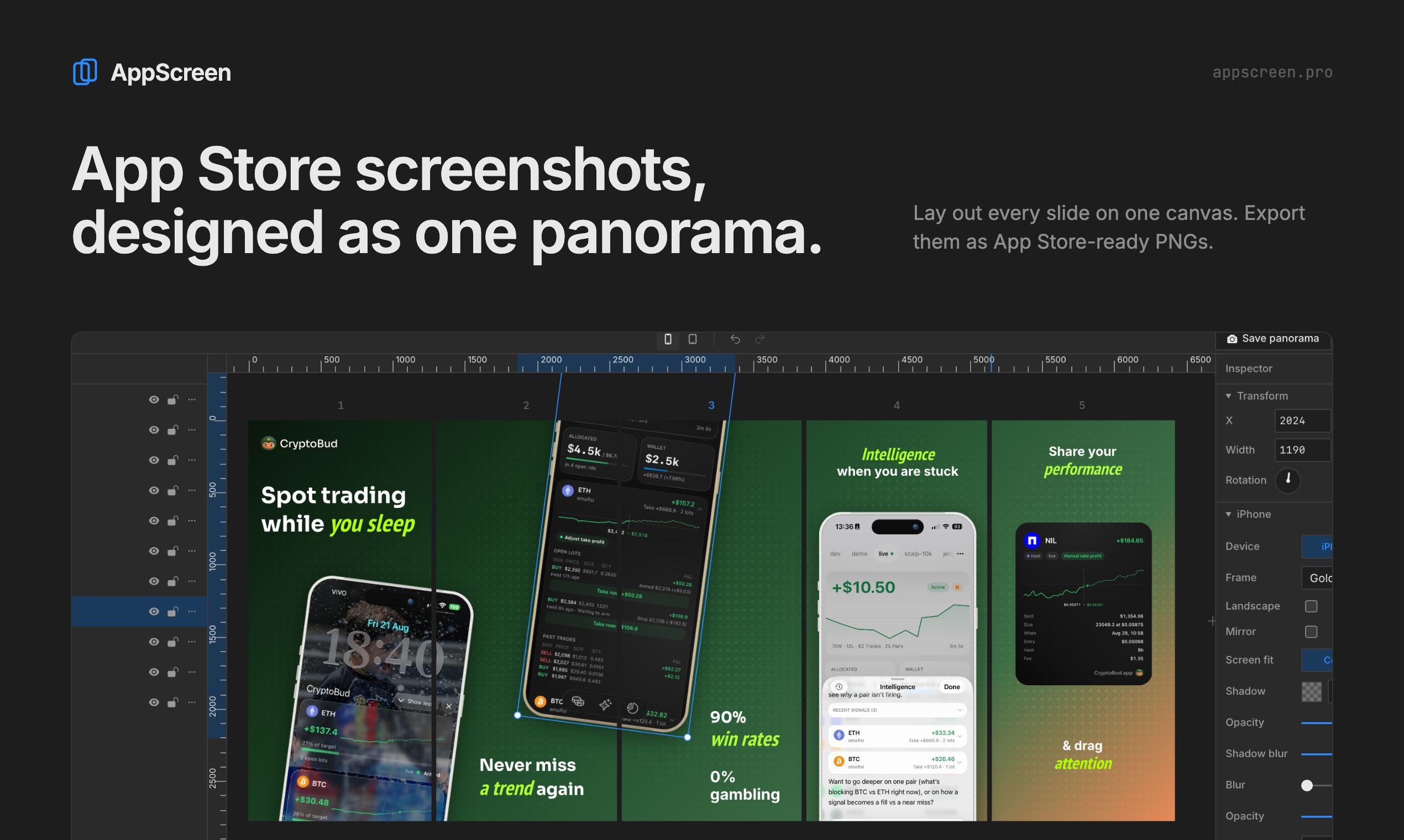
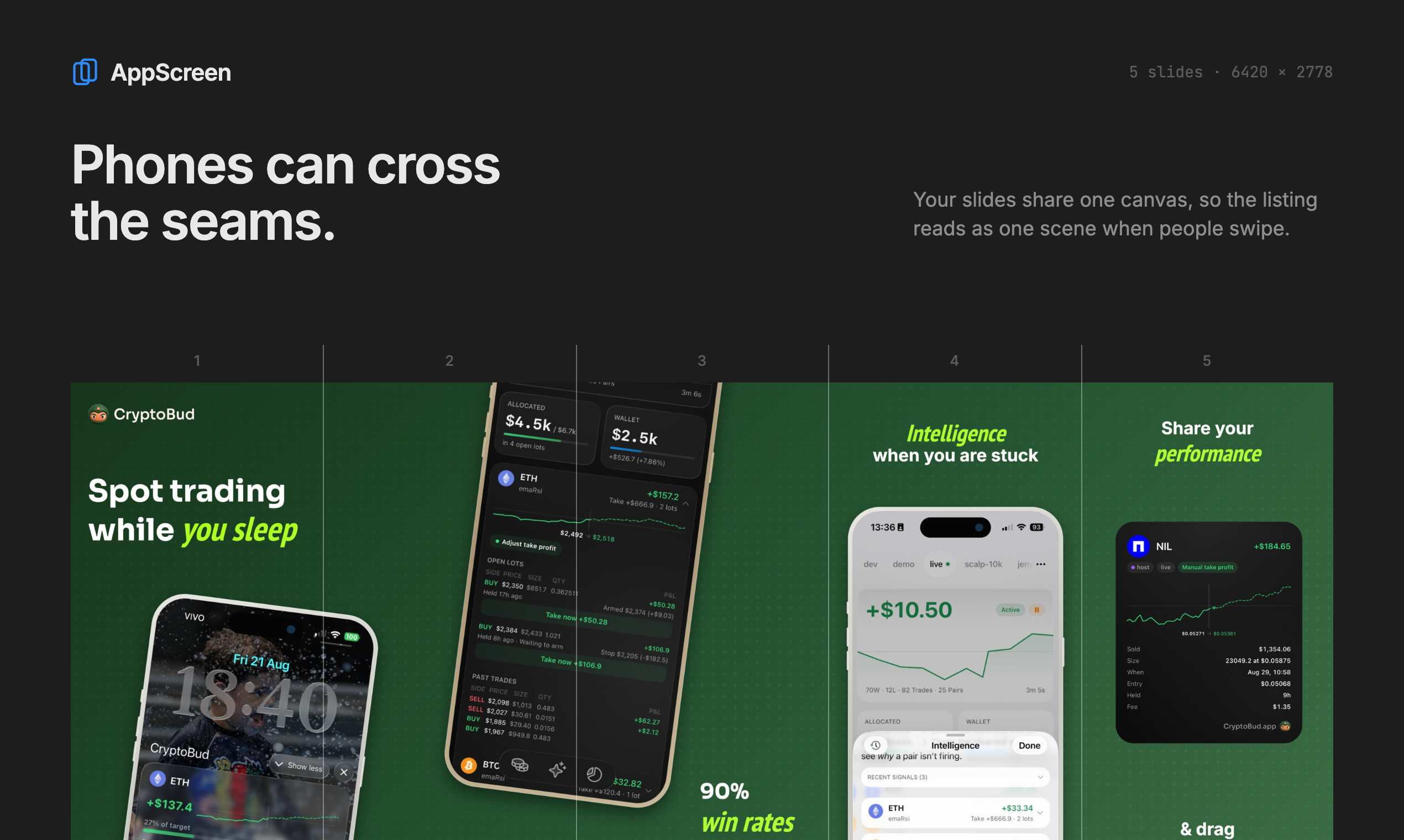
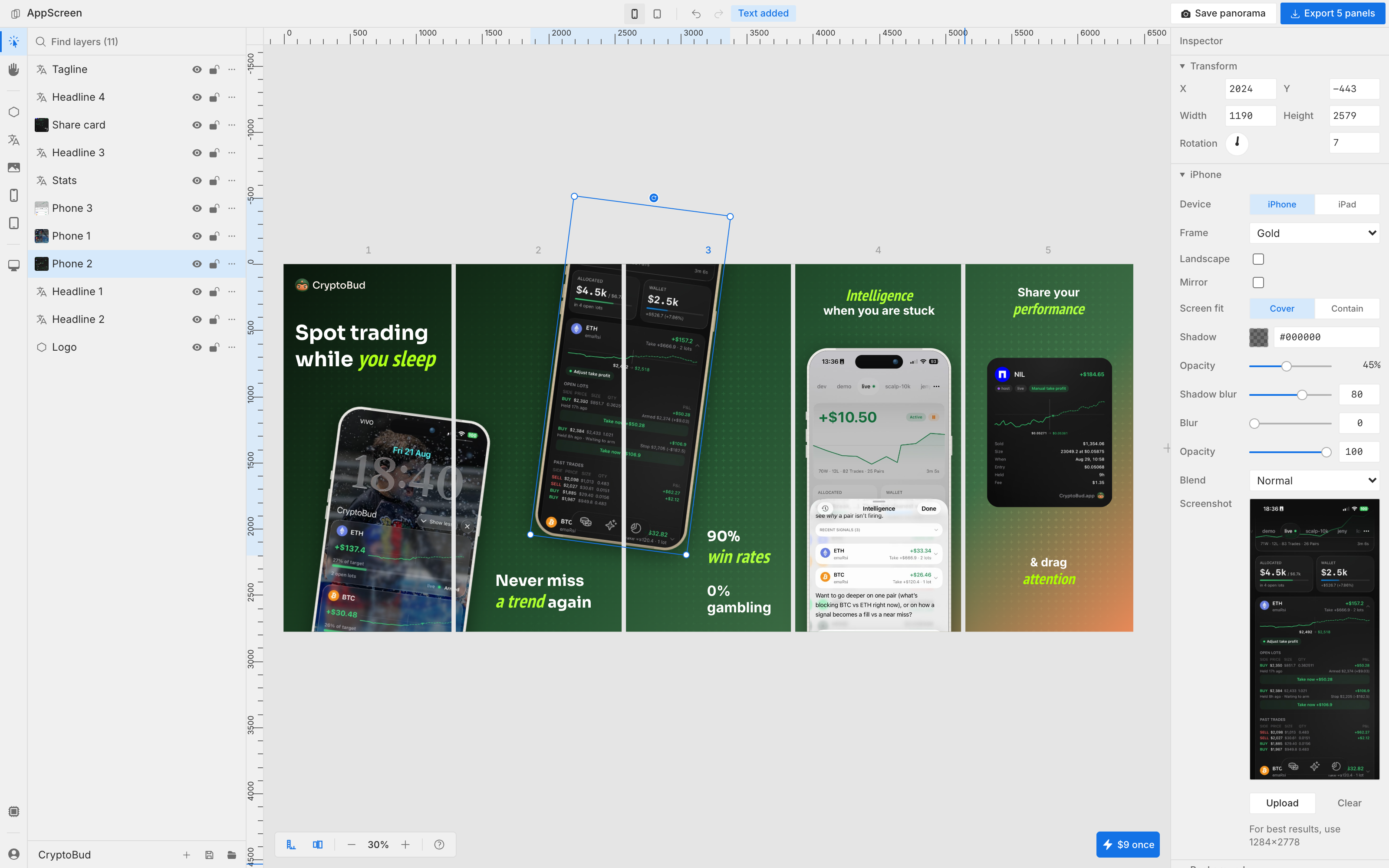
Lay out every App Store screenshot on one wide canvas, so phones and headlines can cross from one slide into the next. Then export each slide at App Store size. iPhone and iPad frames, gradients, patterns, rich text. Free to start, Pro is $9 once.…
Preview
Highlights
- - Continuous panoramic canvas across screenshot slides.
People also visit
Apps people often open alongside AppScreen.

bestwebdesigntools
Curated directory for landing page templates and latest web design tools
AppScreen FAQ
What is AppScreen?
Lay out every App Store screenshot on one wide canvas, so phones and headlines can cross from one slide into the next. Then export each slide at App Store size. iPhone and iPad frames, gradients, patterns, rich text. Free to start, Pro is $9 once.
Is AppScreen free?
AppScreen is freemium.
Do I need to download AppScreen?
No. AppScreen runs in your browser at appscreen.pro, so there's nothing to install.
What can you do with AppScreen?
Main features: - Continuous panoramic canvas across screenshot slides..
What are the best AppScreen alternatives?
Popular alternatives to AppScreen include SVG Icons, Free OG Image Generator and CSSnippets. See all AppScreen alternatives