






















Description
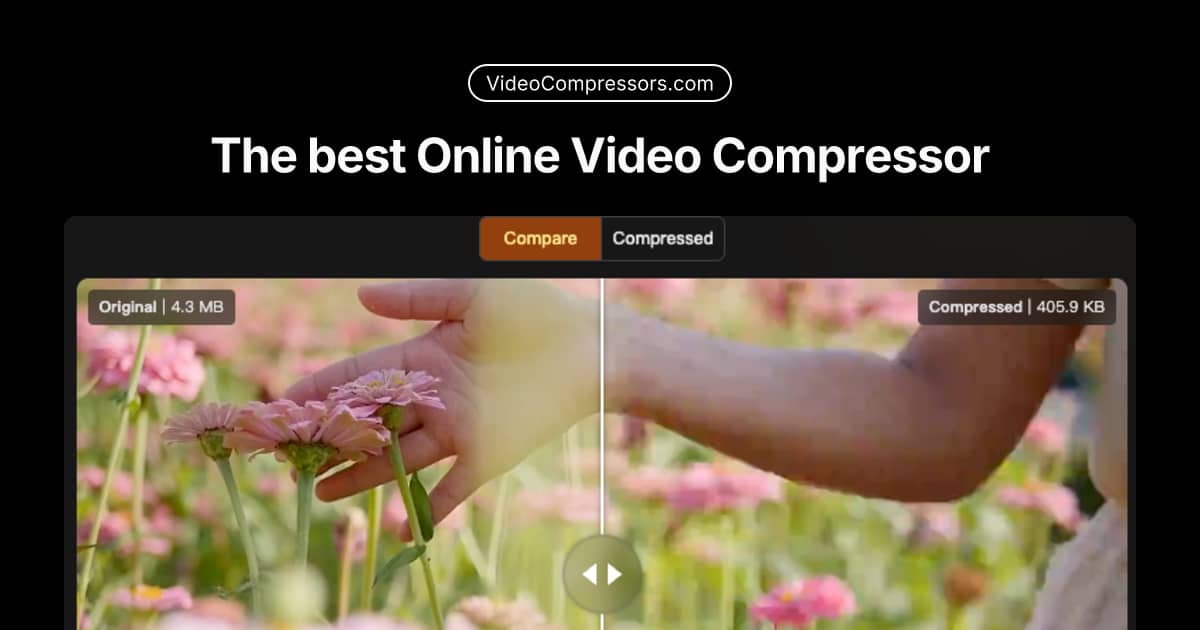
VideoCompressors Next-Generation, Client-Side Video Compression Powered by WebCodecs & GPU Acceleration In the contemporary digital landscape, video content has emerged as the primary medium for communication, entertainment, marketing, and information sharing.…
Preview
Information
People also visit
Apps people often open alongside Video Compressor.
Video Compressor FAQ
What is Video Compressor?
VideoCompressors Next-Generation, Client-Side Video Compression Powered by WebCodecs & GPU Acceleration In the contemporary digital landscape, video content has emerged as the primary medium for communication, entertainment, marketing, and information sharing.
Do I need to download Video Compressor?
No. Video Compressor runs in your browser at videocompressors.com, so there's nothing to install.
What are the best Video Compressor alternatives?
Popular alternatives to Video Compressor include ClipForge, GetCompress and Screenity. See all Video Compressor alternatives