



















Description
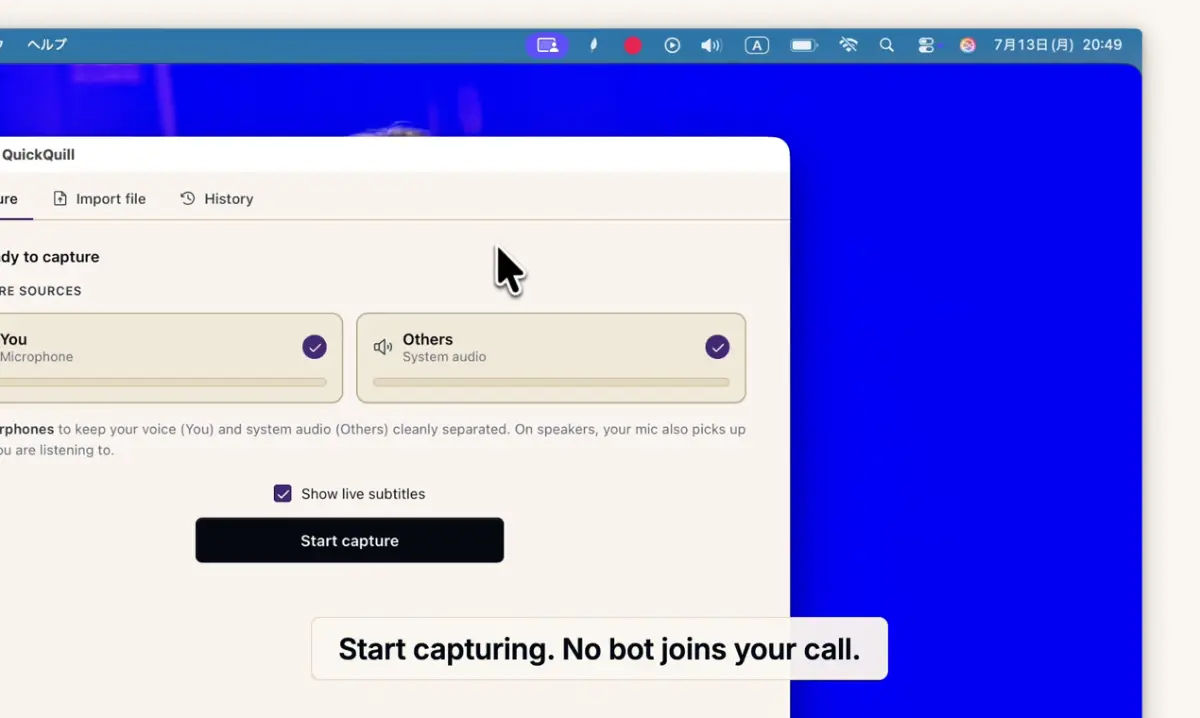
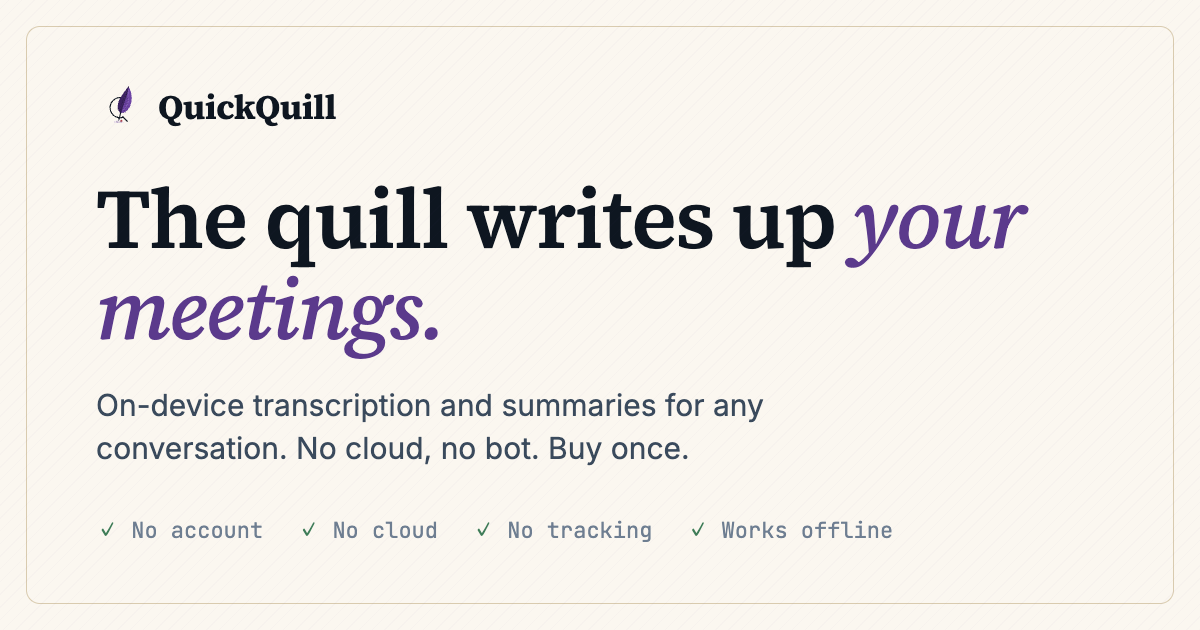
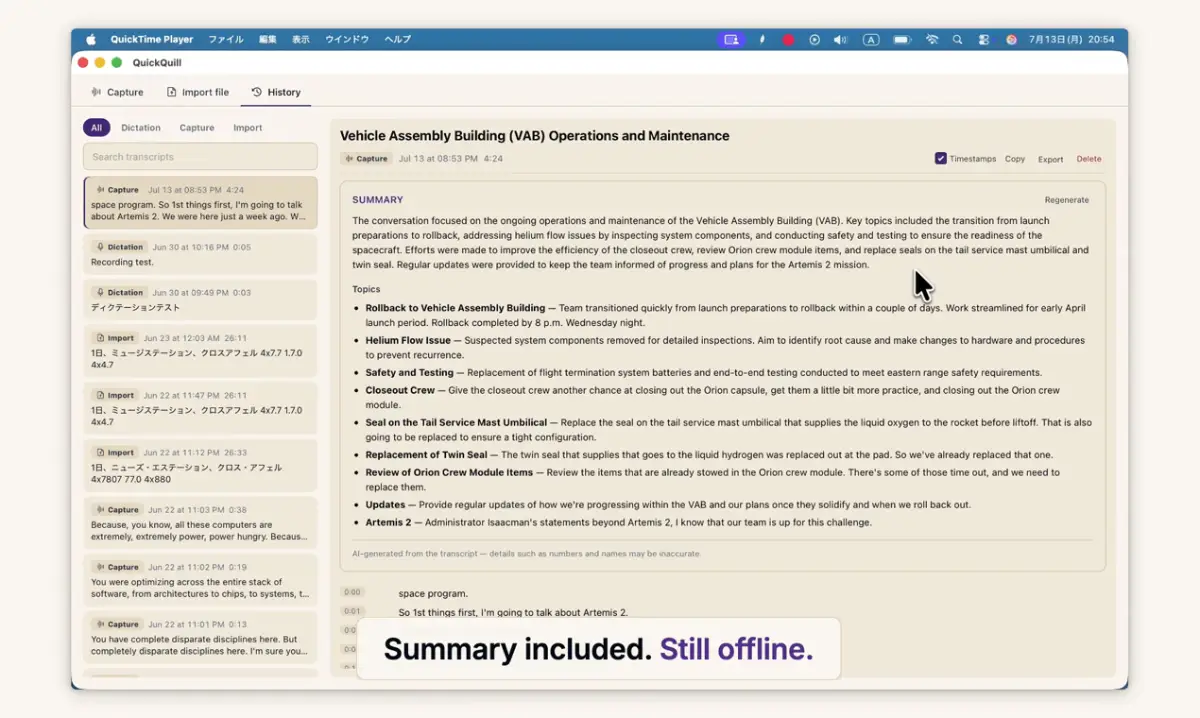
QuickQuill records your meetings and turns them into transcripts and summaries, entirely on your Mac. No bot joins the call, nothing is uploaded, and it keeps working with Wi-Fi off, meaning that it does not send your data to any server. Live subtitles with on-device translation are included. Pay once and it's yours. Dictation is free forever, and there's no account and no subscription.…
Preview
Information
People also visit
Apps people often open alongside QuickQuill.

Samskit
B2B sales platform to summarize meetings, autofill CRM and increase win-rate
QuickQuill FAQ
What is QuickQuill?
QuickQuill records your meetings and turns them into transcripts and summaries, entirely on your Mac. No bot joins the call, nothing is uploaded, and it keeps working with Wi-Fi off, meaning that it does not send your data to any server. Live subtitles with on-device translation are included. Pay once and it's yours. Dictation is free forever, and there's no account and no subscription.
Is QuickQuill free?
No. QuickQuill is a paid app.
Do I need to download QuickQuill?
No. QuickQuill runs in your browser at quickquill.app, so there's nothing to install.
What are the best QuickQuill alternatives?
Popular alternatives to QuickQuill include Summit, Showslide and CleverControl. See all QuickQuill alternatives