




















Description
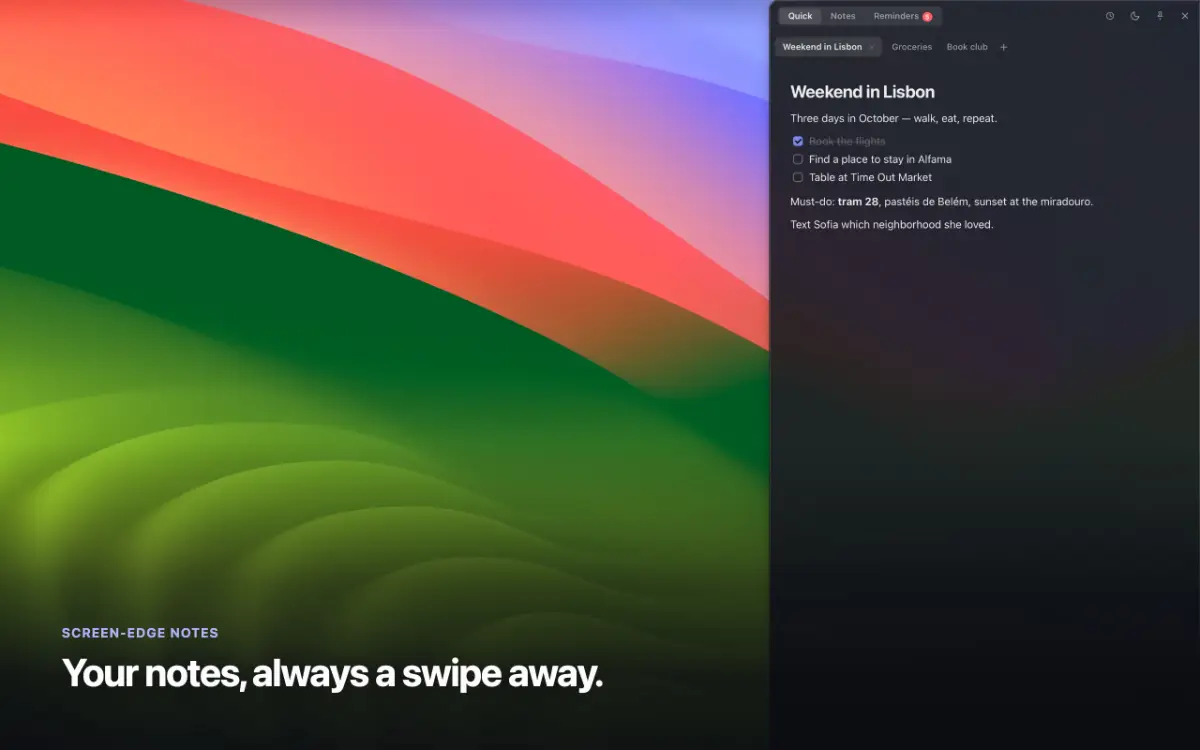
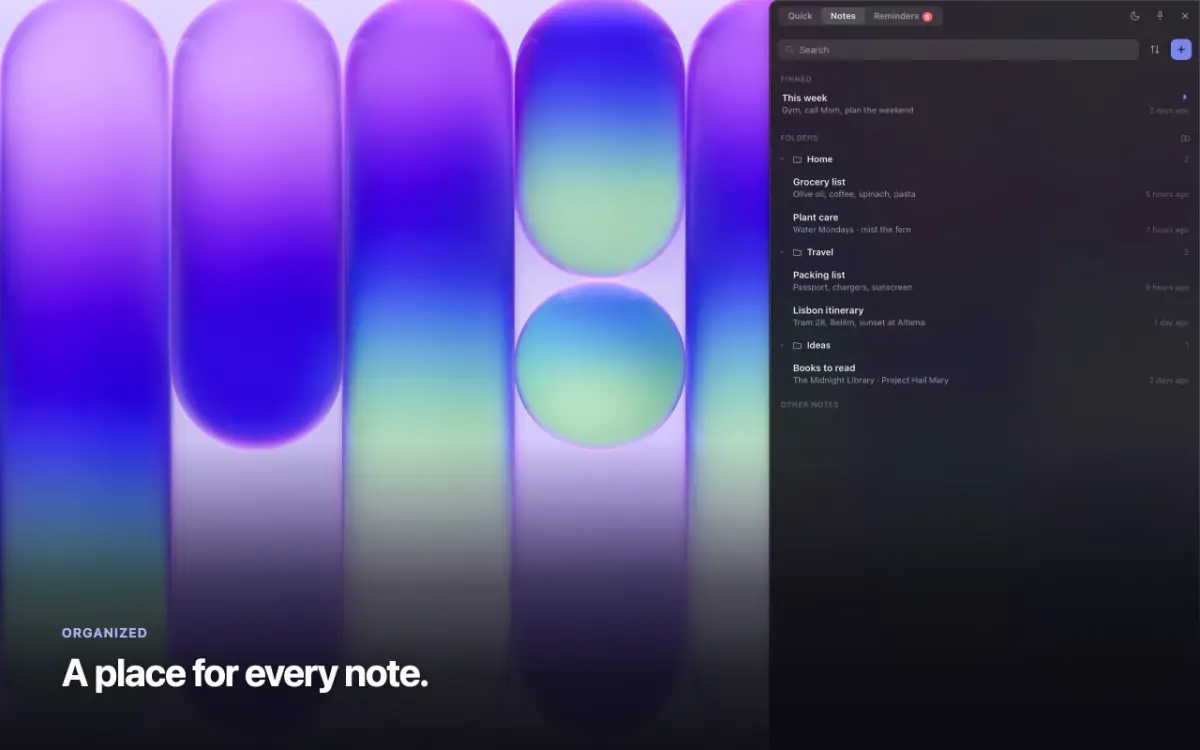
Flyout is a native macOS app that lives on the edge of your screen. Rest your pointer on the edge, or press ⌥⌘N, and a full rich-text editor slides out over whatever you are doing. Step away and it slides back. Write with headings, checklists, tables and syntax-highlighted code. Add images, and emoji by typing a colon and a few letters.…
Preview

Information
People also visit
Apps people often open alongside Flyout.
WebBoard
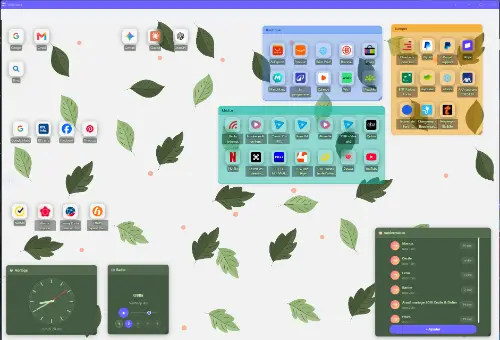
Turn your bookmarks into visual desktops you can share — no ads, free plan
Flyout FAQ
What is Flyout?
Flyout is a native macOS app that lives on the edge of your screen. Rest your pointer on the edge, or press ⌥⌘N, and a full rich-text editor slides out over whatever you are doing. Step away and it slides back. Write with headings, checklists, tables and syntax-highlighted code. Add images, and emoji by typing a colon and a few letters.
Is Flyout free?
No. Flyout is a paid app.
Do I need to download Flyout?
No. Flyout runs in your browser at getflyout.app, so there's nothing to install.
What are the best Flyout alternatives?
Popular alternatives to Flyout include TinyScribe, Darkwrite and NotchPad. See all Flyout alternatives