























Description
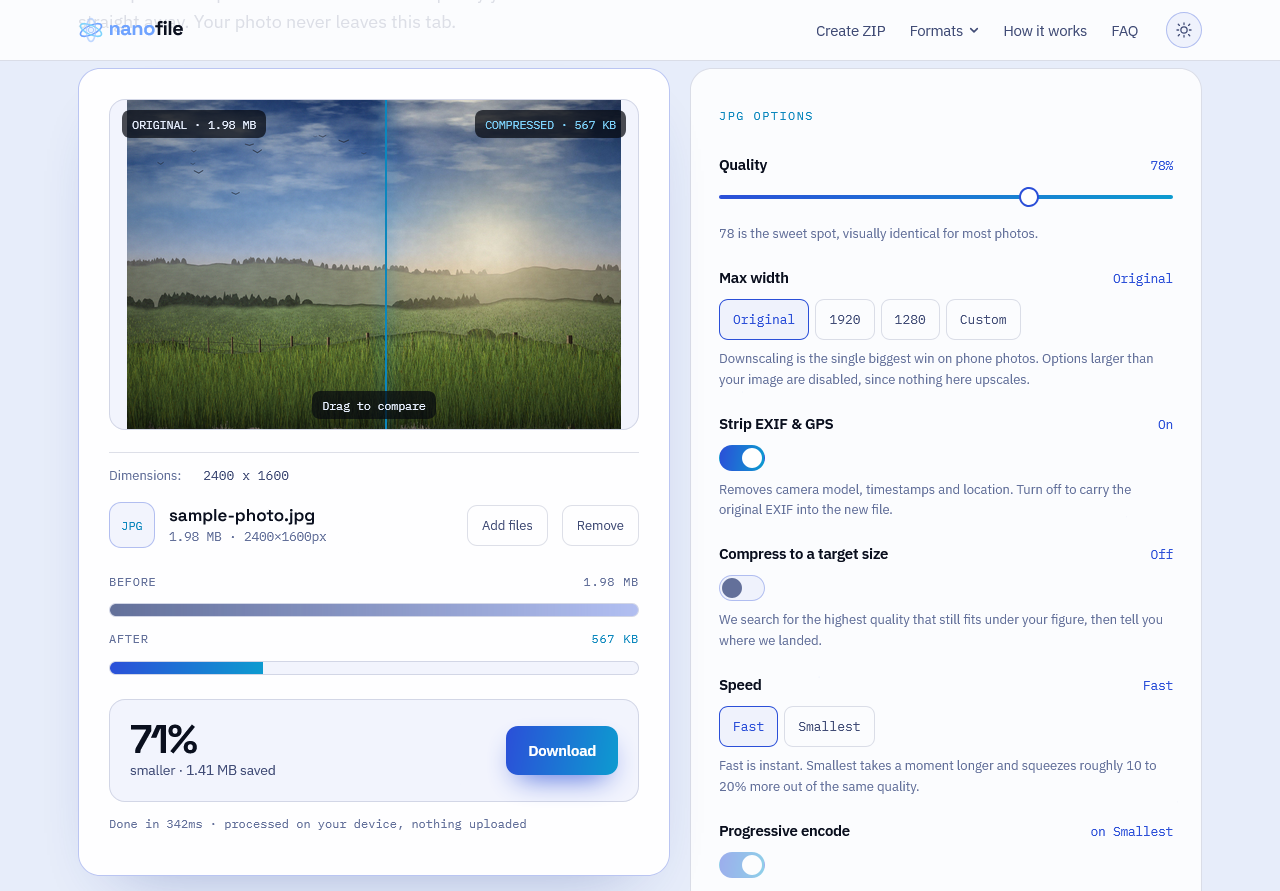
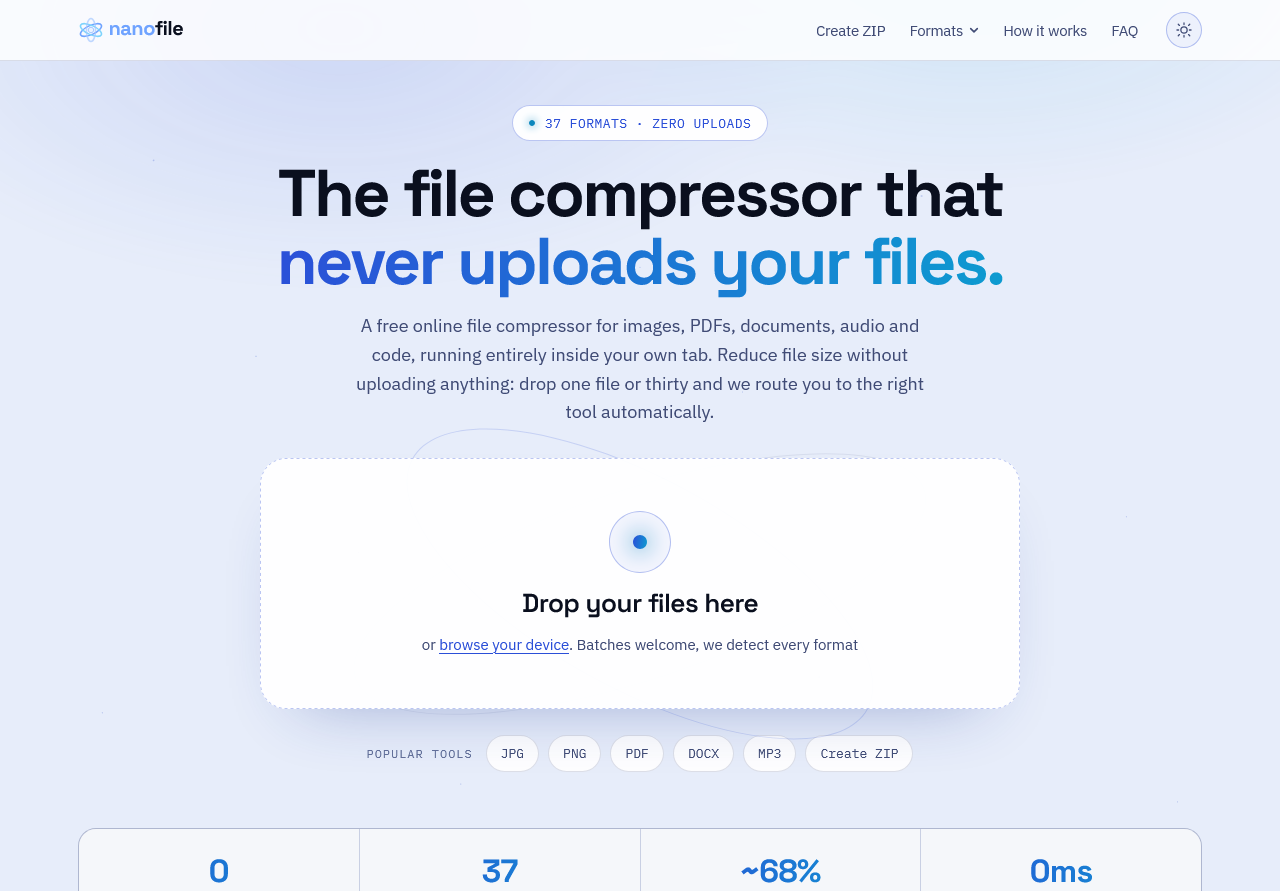
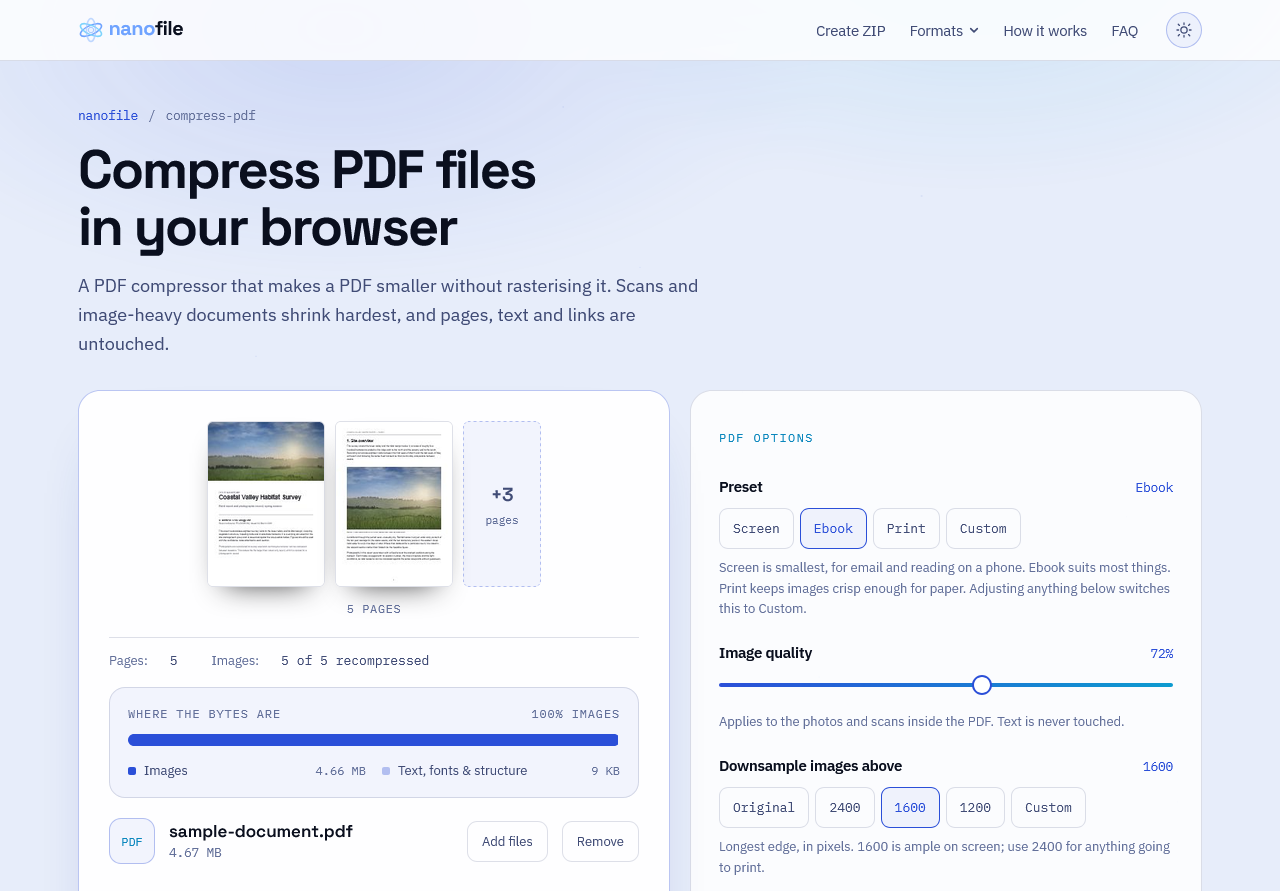
Nanofile compresses files without uploading them. There is no upload endpoint, so every file is processed locally in your own browser tab. One drop zone, 37 formats. Images (JPG, PNG, WEBP, GIF, TIFF, AVIF, HEIC), documents (PDF, DOCX, XLSX, PPTX, ODT), vectors (SVG, EPS), code (HTML, CSS, JS, XML, JSON), audio (MP3, WAV, OGG, FLAC, M4A, AAC), fonts and 3D assets (TTF, OTF, WOFF2, EPUB, GLB,……
Preview
Information
People also visit
Apps people often open alongside Nanofile.
Nanofile FAQ
What is Nanofile?
Nanofile compresses files without uploading them. There is no upload endpoint, so every file is processed locally in your own browser tab. One drop zone, 37 formats. Images (JPG, PNG, WEBP, GIF, TIFF, AVIF, HEIC), documents (PDF, DOCX, XLSX, PPTX, ODT), vectors (SVG, EPS), code (HTML, CSS, JS, XML, JSON), audio (MP3, WAV, OGG, FLAC, M4A, AAC), fonts and 3D assets (TTF, OTF, WOFF2, EPUB, GLB,…
Is Nanofile free?
Yes. Nanofile is free to use.
Do I need to download Nanofile?
No. Nanofile runs in your browser at nanofile.io, so there's nothing to install.
What are the best Nanofile alternatives?
Popular alternatives to Nanofile include ScreenshotOne, Agent37 Cloud and Datashelter. See all Nanofile alternatives