






















Description
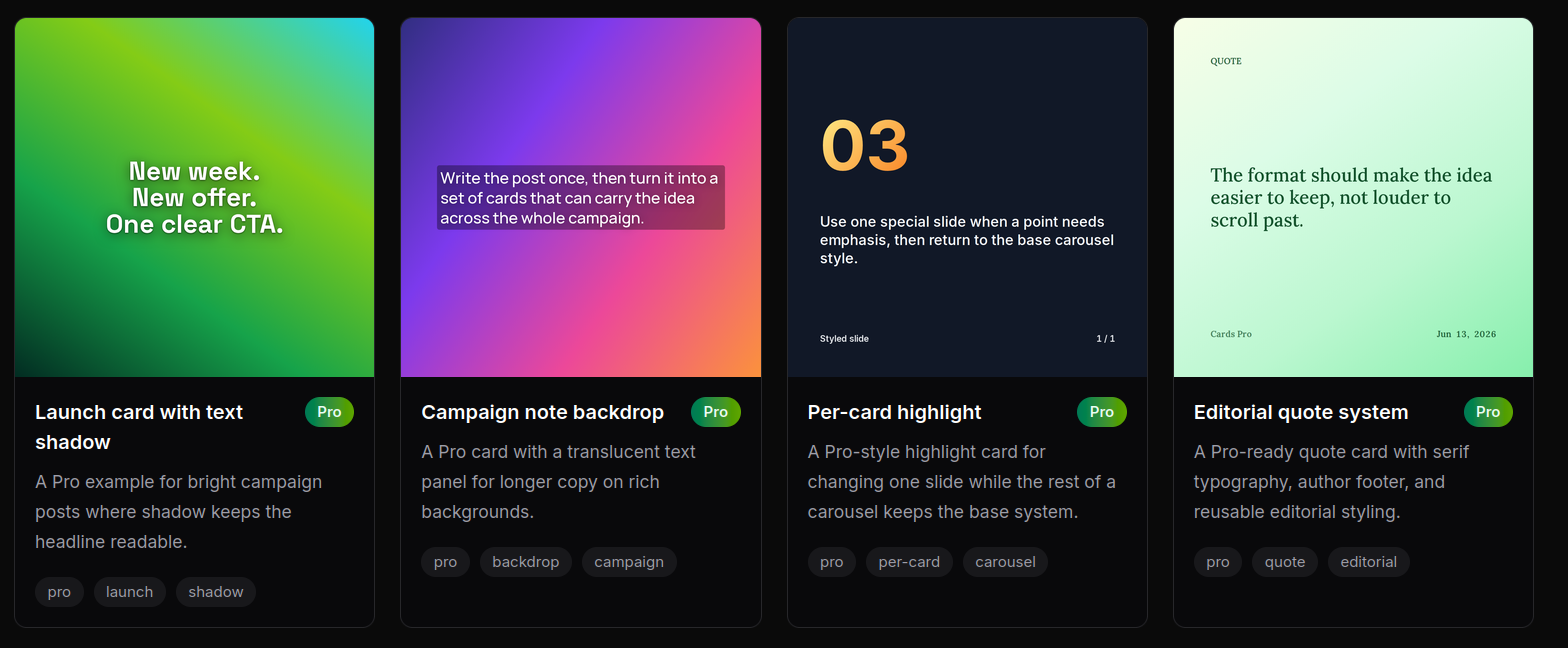
Cards converts plain text into visually formatted social media cards and carousels. Paste a quote, thread, essay, or post draft, then instantly export designs as PNGs optimized for Instagram, LinkedIn, X, and Stories. Perfect for content creators, marketers, and social media managers who want to repurpose written content into shareable visual formats without design skills.…
Preview

Highlights
- Enter text, get exportable cards
- Saved reusable styles
- Stored background images and assets
- Advanced text styling
- Algorithmic carousel variation
- Per-card editing
People also visit
Apps people often open alongside Cards.
Cards FAQ
What is Cards?
Cards converts plain text into visually formatted social media cards and carousels. Paste a quote, thread, essay, or post draft, then instantly export designs as PNGs optimized for Instagram, LinkedIn, X, and Stories. Perfect for content creators, marketers, and social media managers who want to repurpose written content into shareable visual formats without design skills.
Is Cards free?
Cards is freemium.
Do I need to download Cards?
No. Cards runs in your browser at cards.tinygods.dev, so there's nothing to install.
What can you do with Cards?
Main features: Enter text, get exportable cards, Saved reusable styles, Stored background images and assets, Advanced text styling, Algorithmic carousel variation.
What are the best Cards alternatives?
Popular alternatives to Cards include Cap, Pixlr Editor and Recut. See all Cards alternatives