

















Description
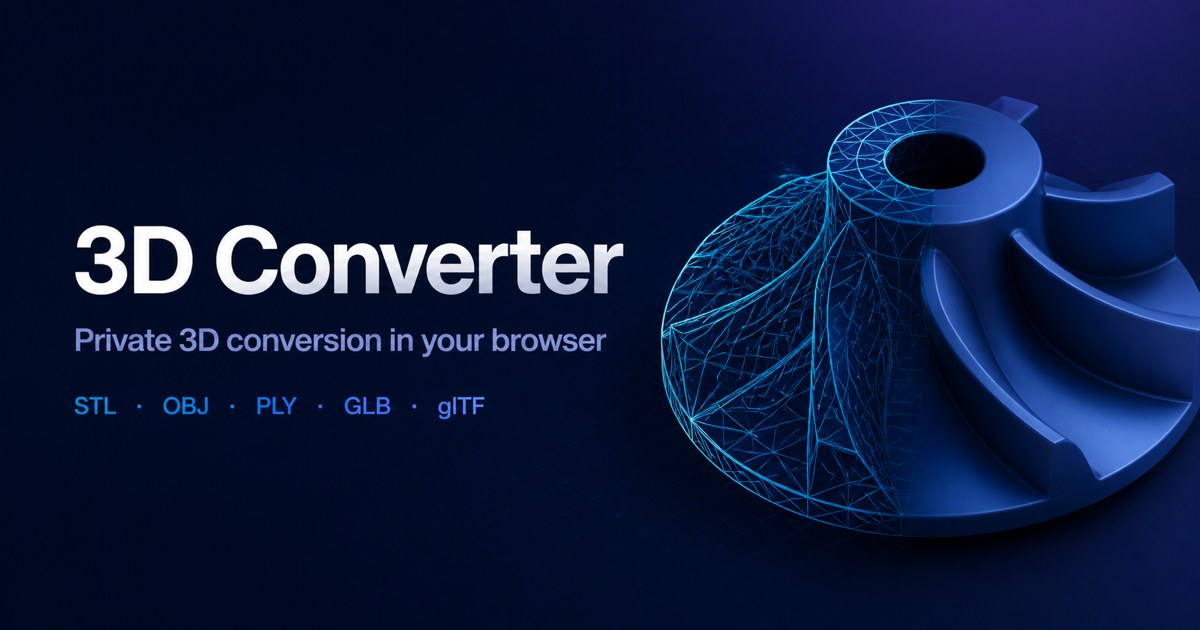
3DConverter is a free online 3D model converter and viewer for common mesh and scene formats. Open an STL, OBJ, PLY, GLB, or glTF file, inspect the model in your browser, choose an enabled conversion route, and download the result after the output has been loaded again for validation. The active mesh workflows run locally in your browser.…
Preview
Highlights
- - Browser-based preview for STL, OBJ, PLY, GLB, and glTF.
People also visit
Apps people often open alongside 3D Converter.

Shadcn Templates
A collection of Shadcn UI templates, components, boilerplates, and more
3D Converter FAQ
What is 3D Converter?
3DConverter is a free online 3D model converter and viewer for common mesh and scene formats. Open an STL, OBJ, PLY, GLB, or glTF file, inspect the model in your browser, choose an enabled conversion route, and download the result after the output has been loaded again for validation. The active mesh workflows run locally in your browser.
Is 3D Converter free?
3D Converter is freemium.
Do I need to download 3D Converter?
No. 3D Converter runs in your browser at 3dconverter.org, so there's nothing to install.
What can you do with 3D Converter?
Main features: - Browser-based preview for STL, OBJ, PLY, GLB, and glTF..
What are the best 3D Converter alternatives?
Popular alternatives to 3D Converter include phototourl, WrapPixel and Gofastlive. See all 3D Converter alternatives