
















Description
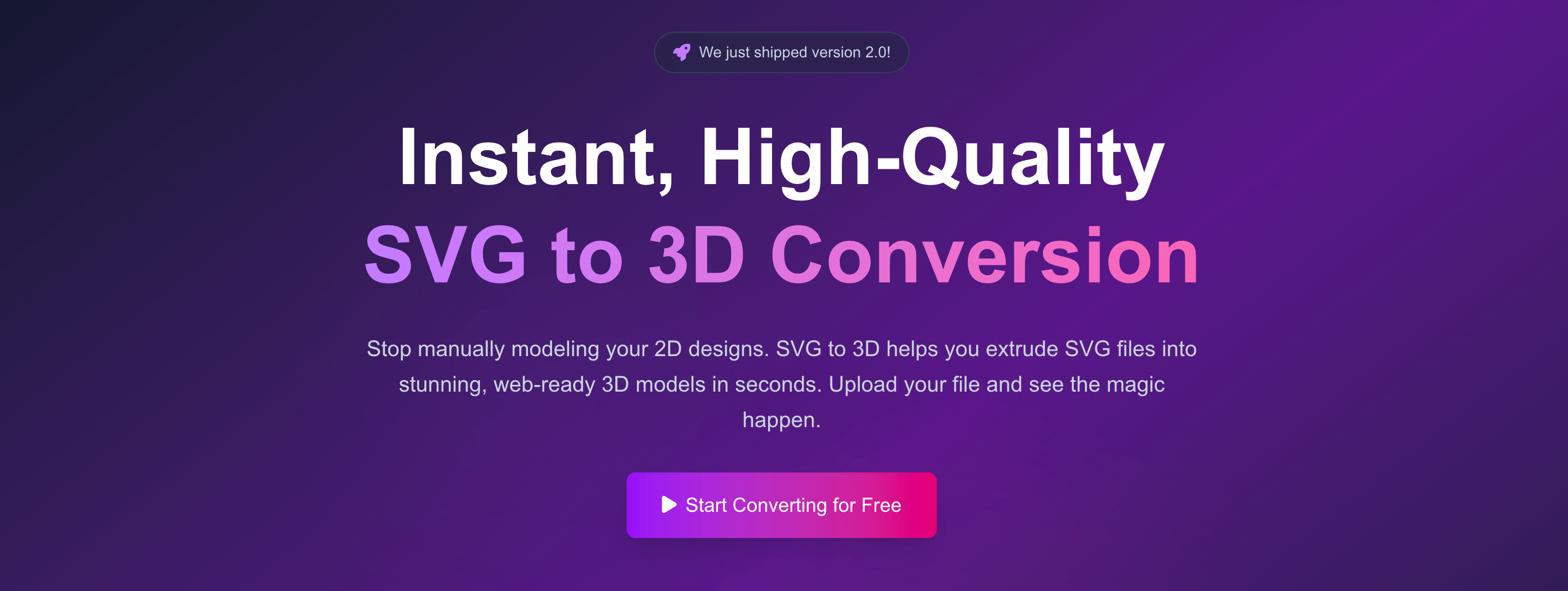
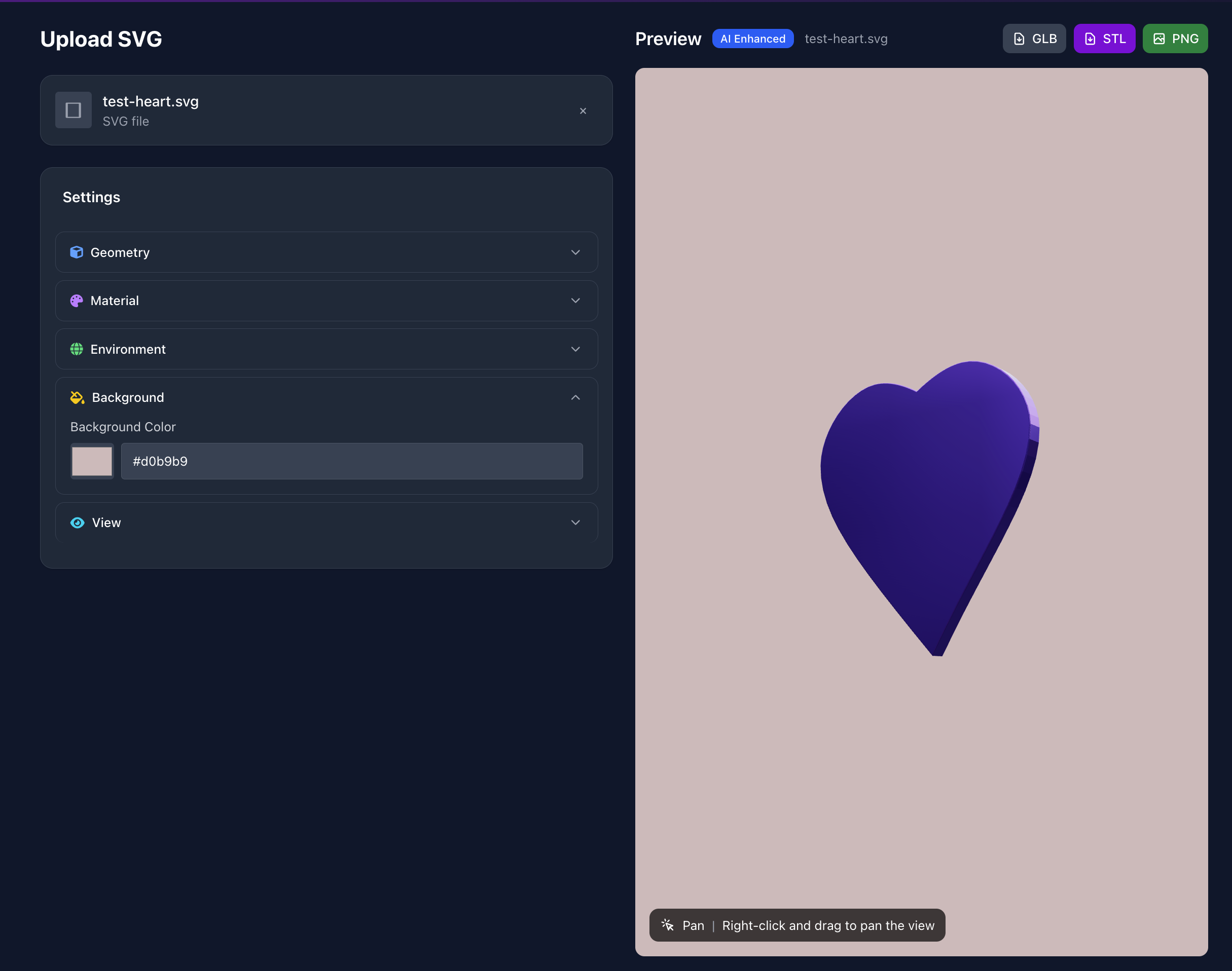
It was created to solve one specific pain point: quickly and easily converting 2D SVG vector graphics into high-quality 3D models. If you've ever found it cumbersome to open a heavyweight software like Blender or C4D just to extrude a logo or icon, then this tool was made for you.…
Preview
Highlights
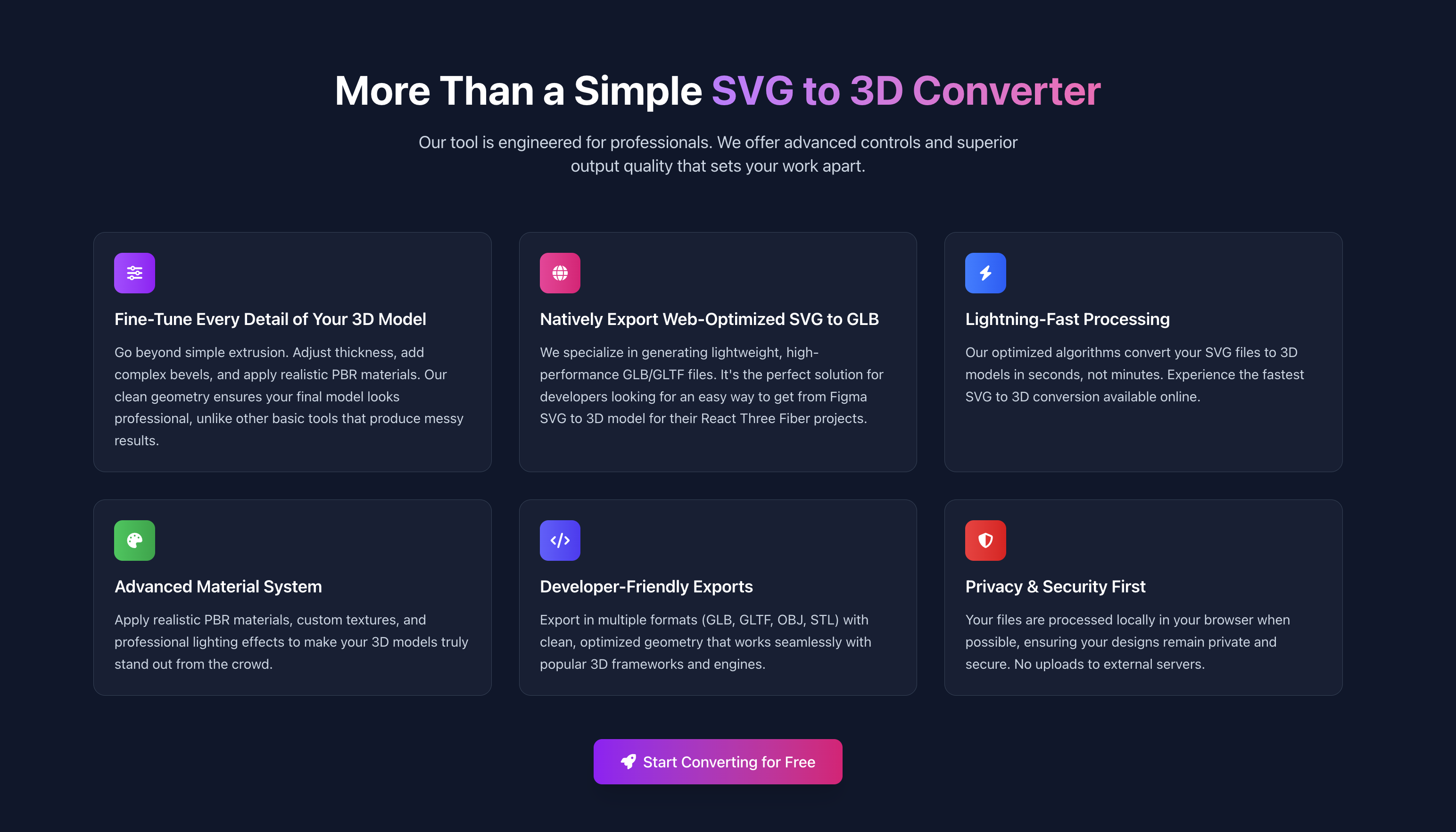
- One-Click to GLB for the Web
- 3D-Print Ready
- "Modeling" in the Browser
People also visit
Apps people often open alongside SVG to 3D.
Shadcn Templates
A collection of Shadcn UI templates, components, boilerplates, and more
SVG to 3D FAQ
What is SVG to 3D?
It was created to solve one specific pain point: quickly and easily converting 2D SVG vector graphics into high-quality 3D models. If you've ever found it cumbersome to open a heavyweight software like Blender or C4D just to extrude a logo or icon, then this tool was made for you.
Is SVG to 3D free?
Yes. SVG to 3D is free to use.
Do I need to download SVG to 3D?
No. SVG to 3D runs in your browser at svgto3d.com, so there's nothing to install.
What can you do with SVG to 3D?
Main features: One-Click to GLB for the Web, 3D-Print Ready, "Modeling" in the Browser.
What are the best SVG to 3D alternatives?
Popular alternatives to SVG to 3D include Font Tester, Oxbow UI and CSSnippets. See all SVG to 3D alternatives