




















Description
Uninstalr is a Windows utility tool that helps you uninstall software programs from your computer. It removes unwanted applications and their associated files cleanly, freeing up disk space and improving system performance. Ideal for users who want a simpler, more thorough way to remove programs compared to the built-in Windows uninstaller.…
Preview
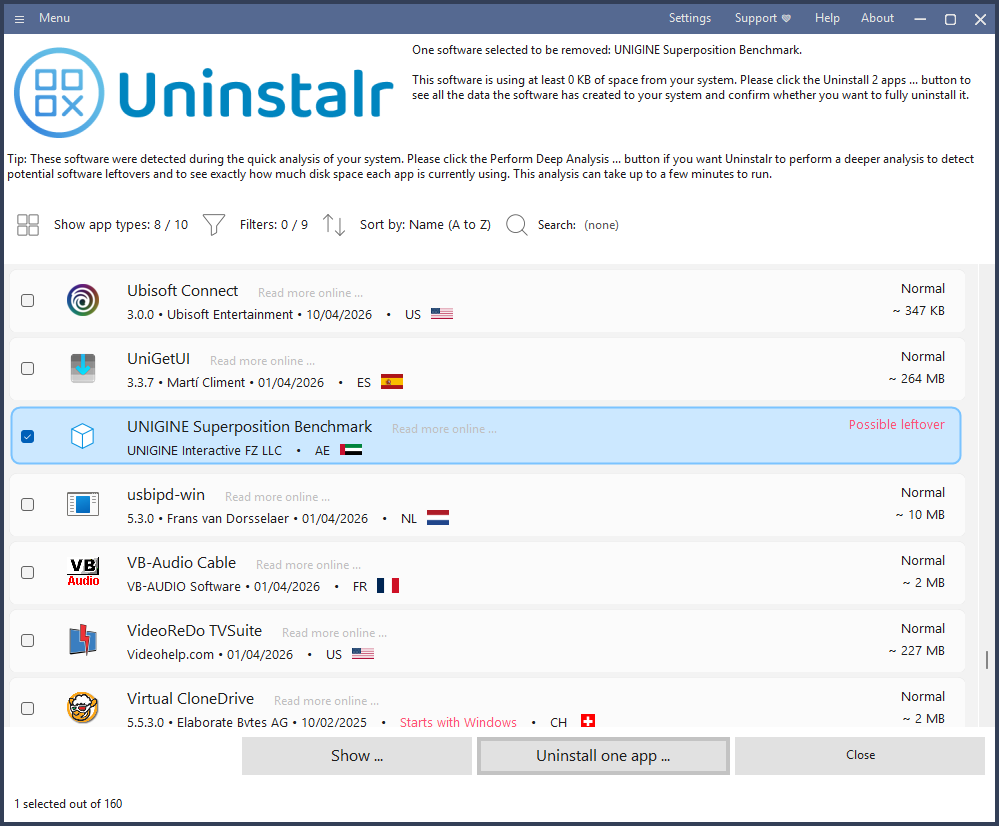
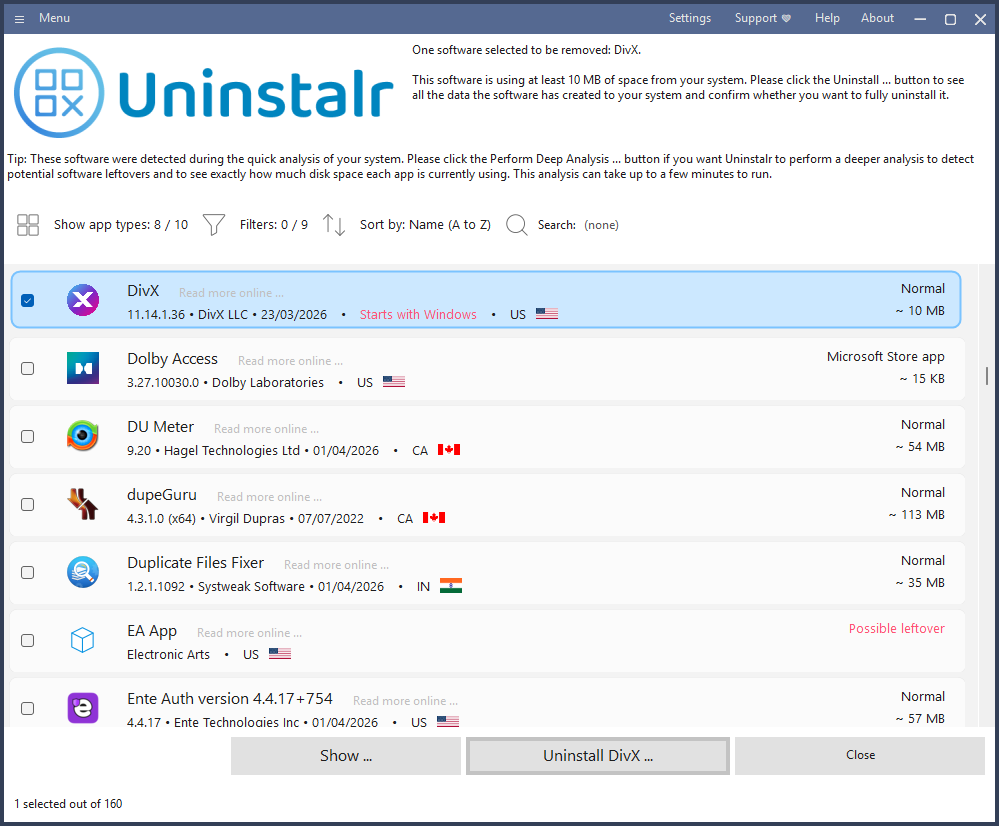
Highlights
- See which of your apps are automatically starting with Windows
- See the country of origin of your installed apps
- Batch uninstall many apps at one time
People also visit
Apps people often open alongside Uninstalr.

LibreWolf
A Firefox-based browser that strips telemetry, blocks trackers, disables DRM

Procaptcha
A blockchain-based CAPTCHA solution offering improved security, user experience

Chat Control EU
Don't let the EU scan your private messages. News & protective measures here
Uninstalr FAQ
What is Uninstalr?
Uninstalr is a Windows utility tool that helps you uninstall software programs from your computer. It removes unwanted applications and their associated files cleanly, freeing up disk space and improving system performance. Ideal for users who want a simpler, more thorough way to remove programs compared to the built-in Windows uninstaller.
Is Uninstalr free?
Yes. Uninstalr is free to use.
Do I need to download Uninstalr?
No. Uninstalr runs in your browser at uninstalr.com, so there's nothing to install.
What can you do with Uninstalr?
Main features: See which of your apps are automatically starting with Windows, See the country of origin of your installed apps, Batch uninstall many apps at one time.
What are the best Uninstalr alternatives?
Popular alternatives to Uninstalr include FireZone, ALTCHA and LibreWolf. See all Uninstalr alternatives