















.png?auto=compress&fit=max&w=128)

Description
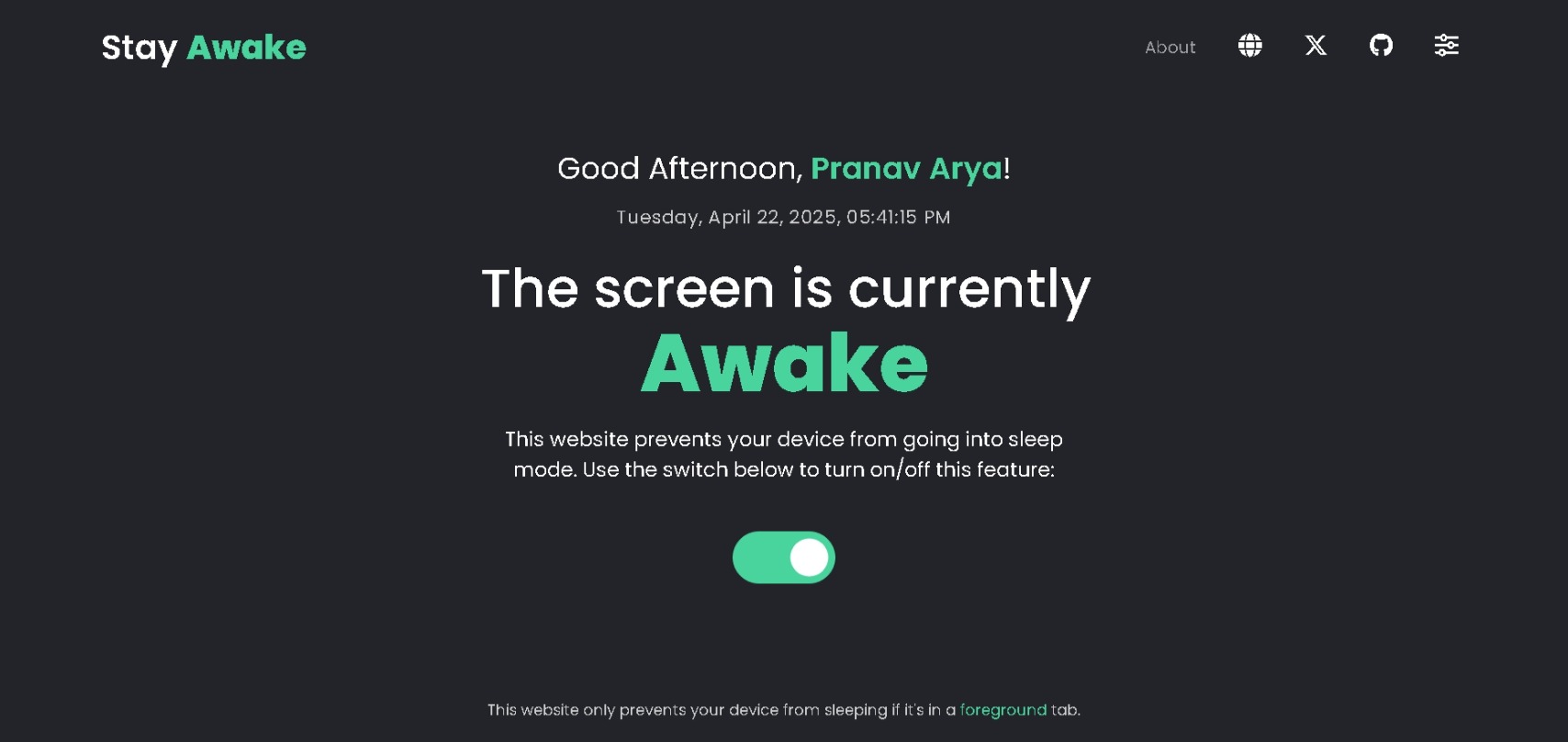
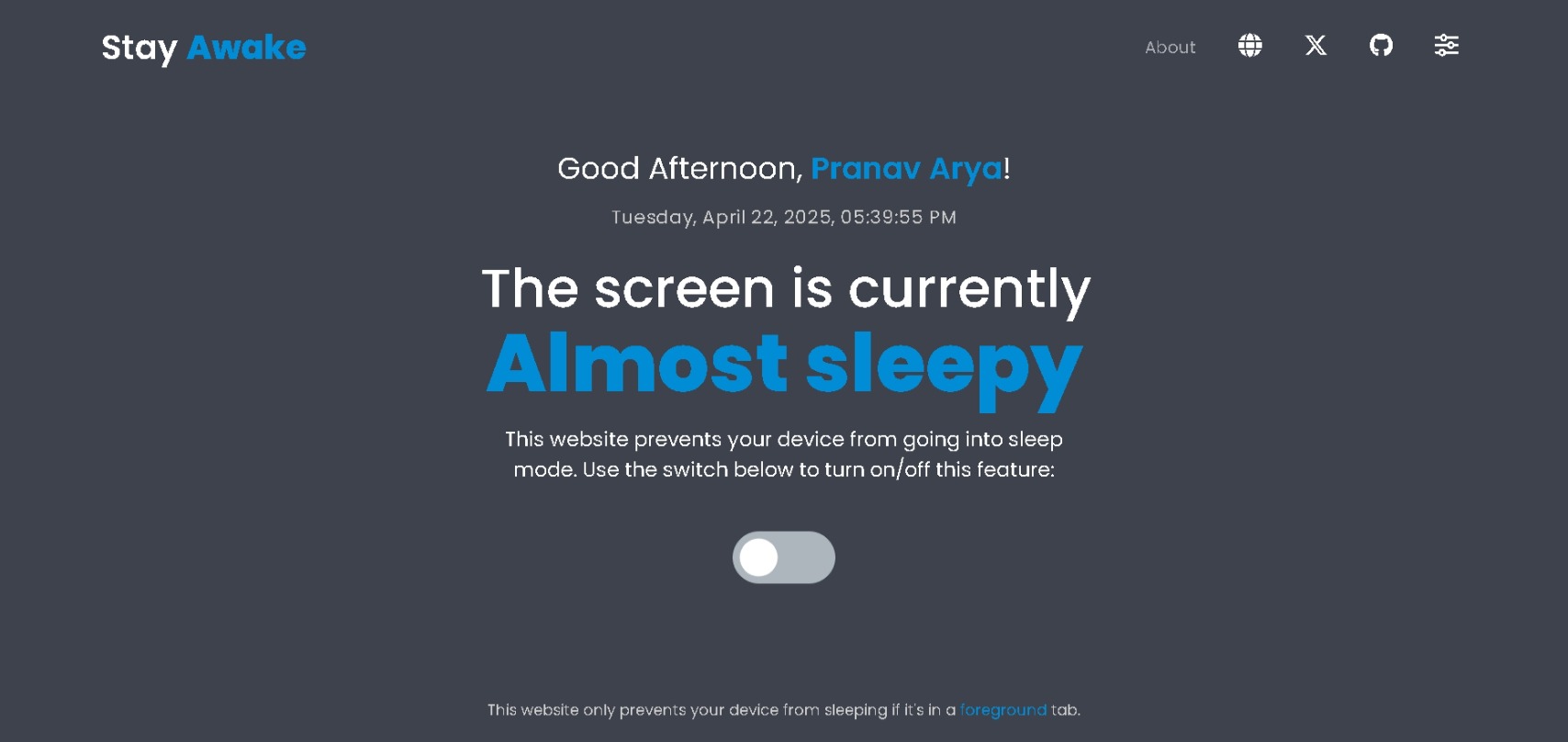
Ever step away for a quick coffee ☕ or chat, only to come back to a locked screen and your Teams/Slack status showing 'Away'? Annoying, right? Changing system sleep settings constantly is a pain. That's why I built Stay Awake! It's a super simple web app with one main goal: 👉 Keep your computer awake temporarily without changing any system settings. How?…
Preview
Highlights
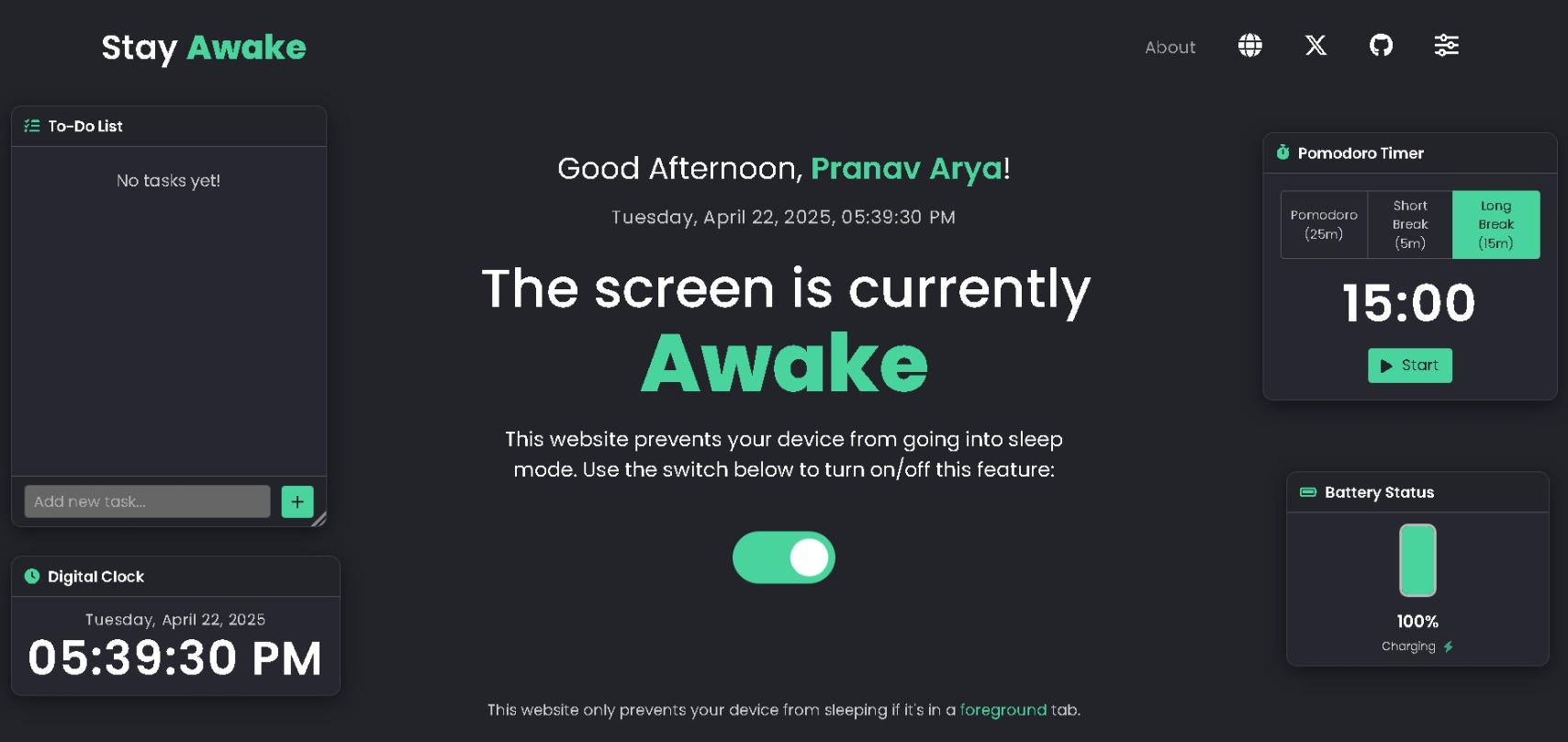
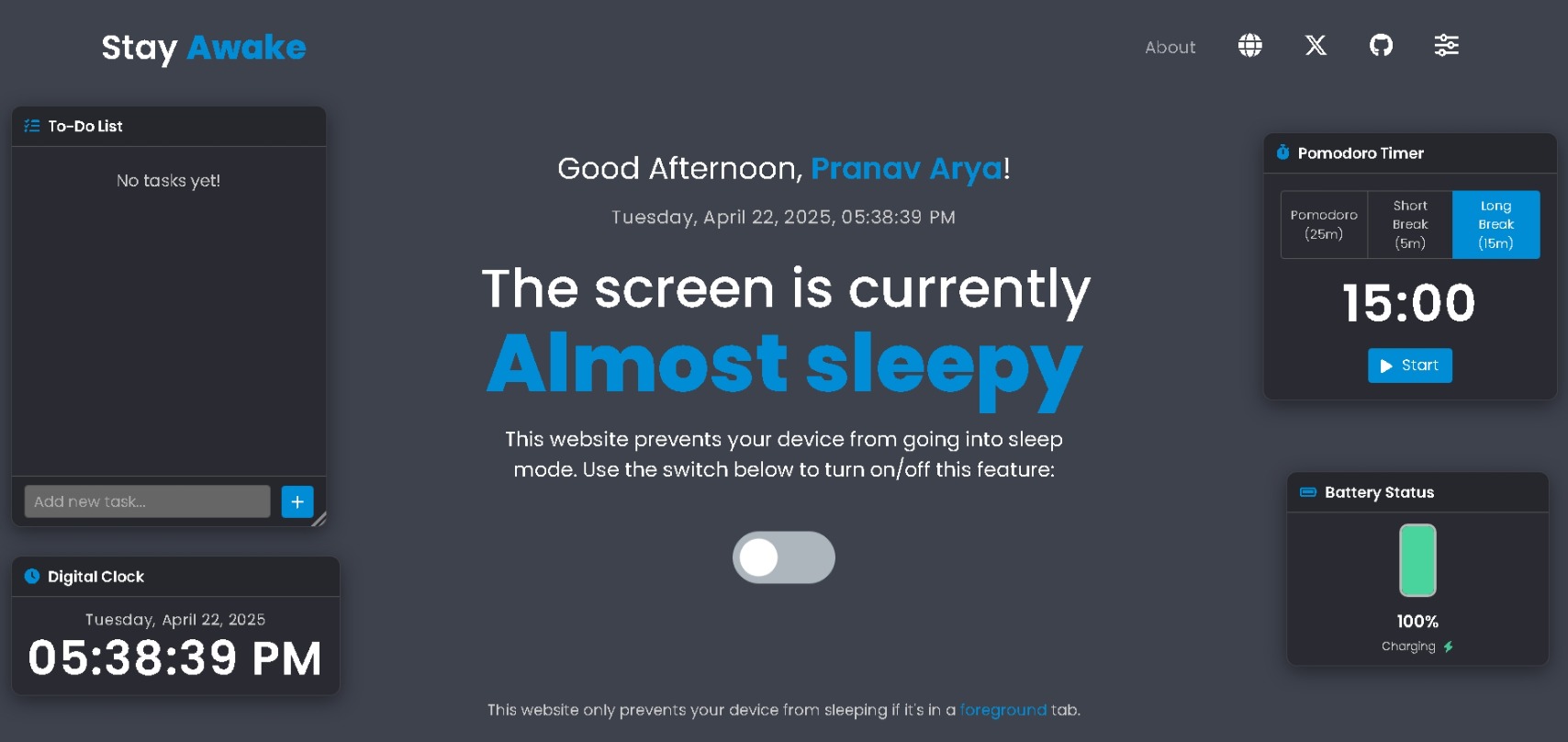
- Clock and battery widgets for quick glance utility
- Minimalist To‑Do List for quick tasks and reminders
- Built-in Pomodoro Timer to encourage focus and balance
- Saves your preferences locally (no cloud sync, no data collection)
- Lightweight, fast, and privacy-friendly
- PWA-enabled for easy installation across desktop and mobile devices
People also visit
Apps people often open alongside Stay Awake.

EarlyBird Jobs
Find and apply to recently posted and low applicant jobs on LinkedIn
Stay Awake FAQ
What is Stay Awake?
Ever step away for a quick coffee ☕ or chat, only to come back to a locked screen and your Teams/Slack status showing 'Away'? Annoying, right? Changing system sleep settings constantly is a pain. That's why I built Stay Awake! It's a super simple web app with one main goal: 👉 Keep your computer awake temporarily without changing any system settings. How?
Is Stay Awake free?
Yes. Stay Awake is free to use.
Do I need to download Stay Awake?
No. Stay Awake runs in your browser at stayawake.pages.dev, so there's nothing to install.
What can you do with Stay Awake?
Main features: Clock and battery widgets for quick glance utility, Minimalist To‑Do List for quick tasks and reminders, Built-in Pomodoro Timer to encourage focus and balance, Saves your preferences locally (no cloud sync, no data collection), Lightweight, fast, and privacy-friendly.
What are the best Stay Awake alternatives?
Popular alternatives to Stay Awake include Freeter, Structr and EarlyBird Jobs. See all Stay Awake alternatives