


.png?auto=compress&fit=max&w=128)






.png)








Description
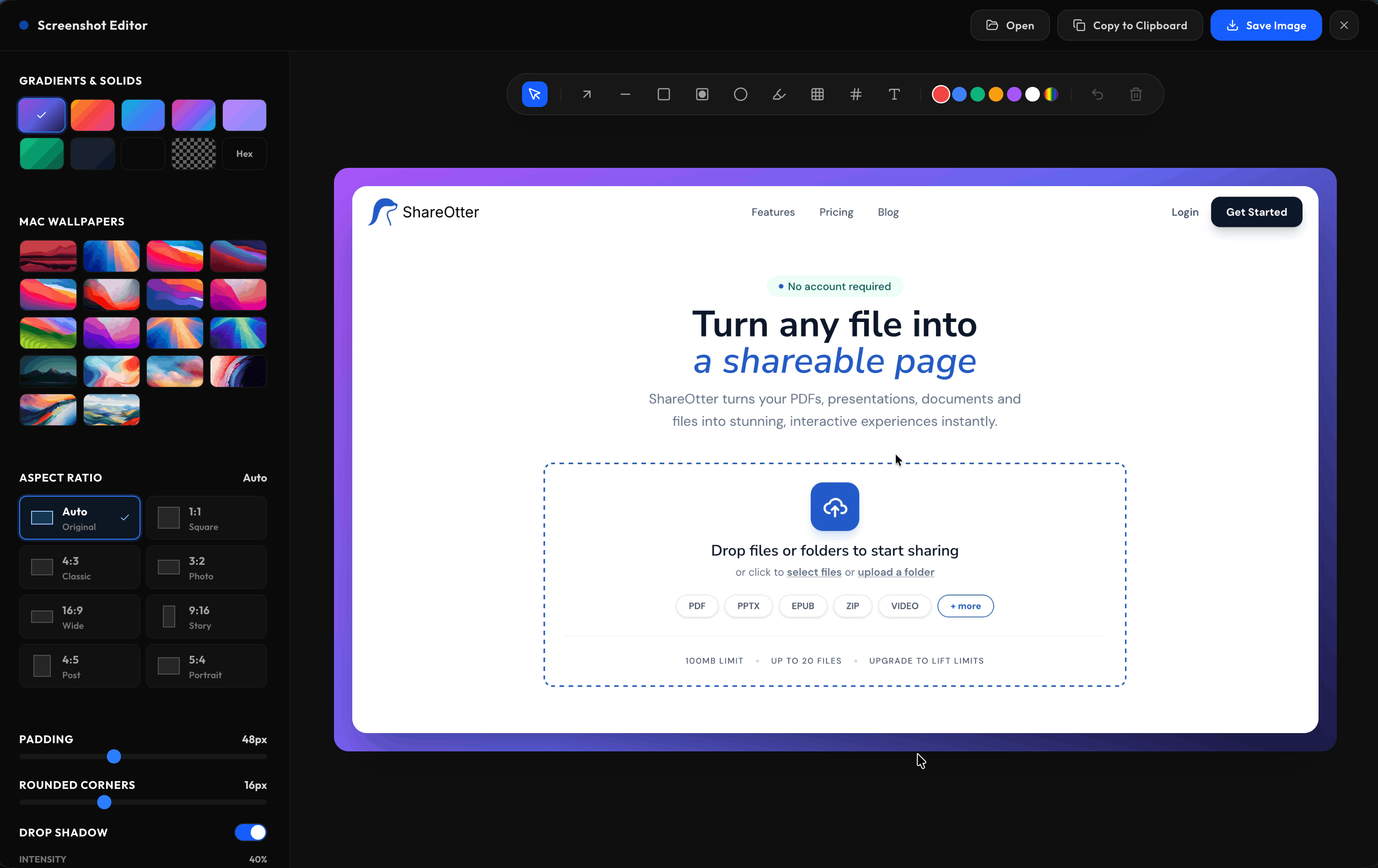
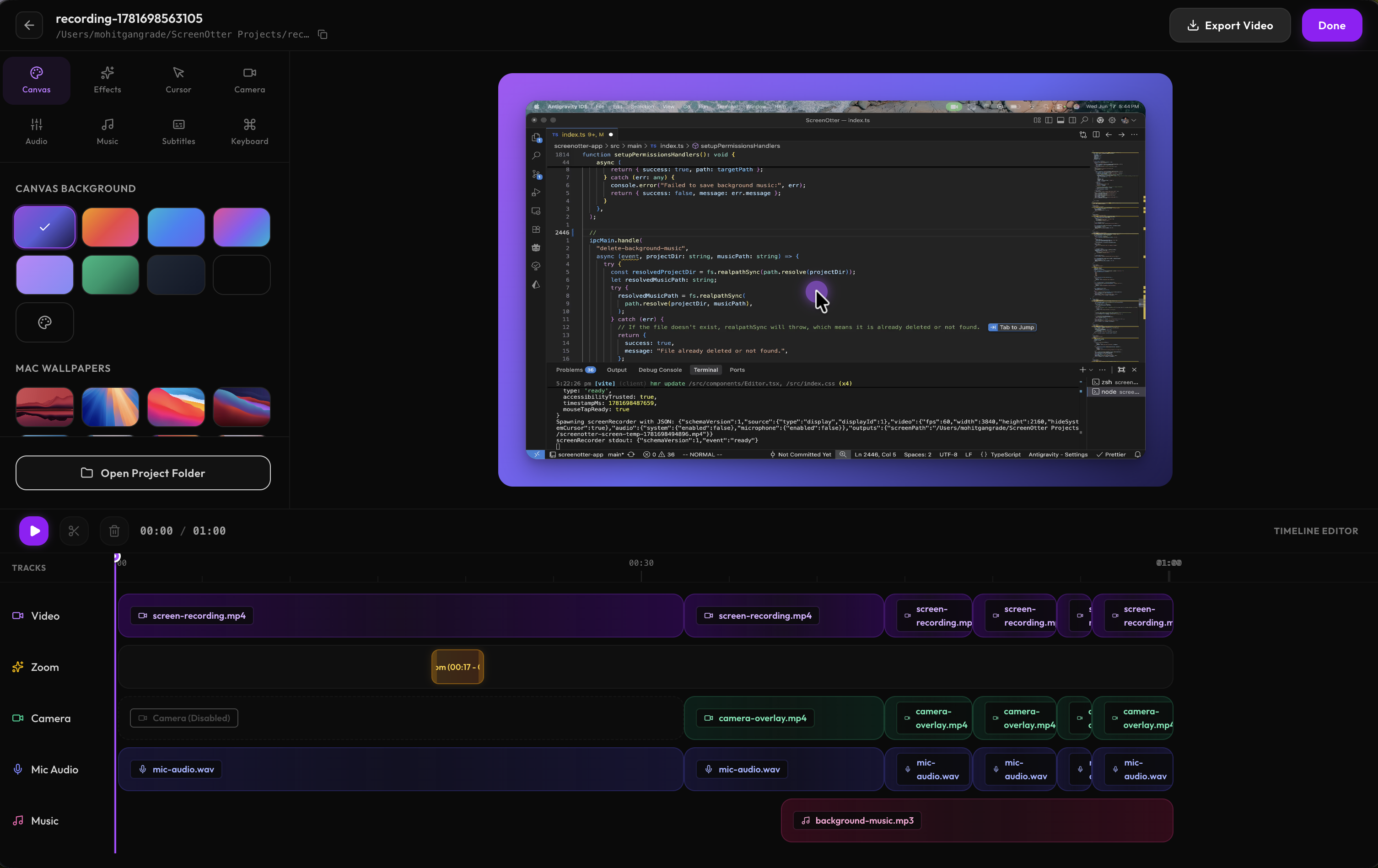
ScreenOtter is an all-in-one screenshot and screen recording app built for Mac. It helps you create beautiful screenshots with custom backgrounds, rounded corners, and drop shadows, then record polished videos with automatic zooms that follow every click.…
Preview
Highlights
- Beautiful screenshots with custom backgrounds
- Rounded corners and drop shadows
- Automatic cinematic zooms on every click
- Word-by-word subtitles
- Keyboard shortcut overlays
- One-click typing speed-up
People also visit
Apps people often open alongside ScreenOtter.

AutoTrim by Benjamin Code
AutoTrim removes silences and filler words from your videos in seconds
ScreenOtter FAQ
What is ScreenOtter?
ScreenOtter is an all-in-one screenshot and screen recording app built for Mac. It helps you create beautiful screenshots with custom backgrounds, rounded corners, and drop shadows, then record polished videos with automatic zooms that follow every click.
Is ScreenOtter free?
No. ScreenOtter is a paid app.
Do I need to download ScreenOtter?
No. ScreenOtter runs in your browser at screenotter.com, so there's nothing to install.
What can you do with ScreenOtter?
Main features: Beautiful screenshots with custom backgrounds, Rounded corners and drop shadows, Automatic cinematic zooms on every click, Word-by-word subtitles, Keyboard shortcut overlays.
What are the best ScreenOtter alternatives?
Popular alternatives to ScreenOtter include Mage AI, Plunk and Product Onboarding. See all ScreenOtter alternatives