















.png)

Description
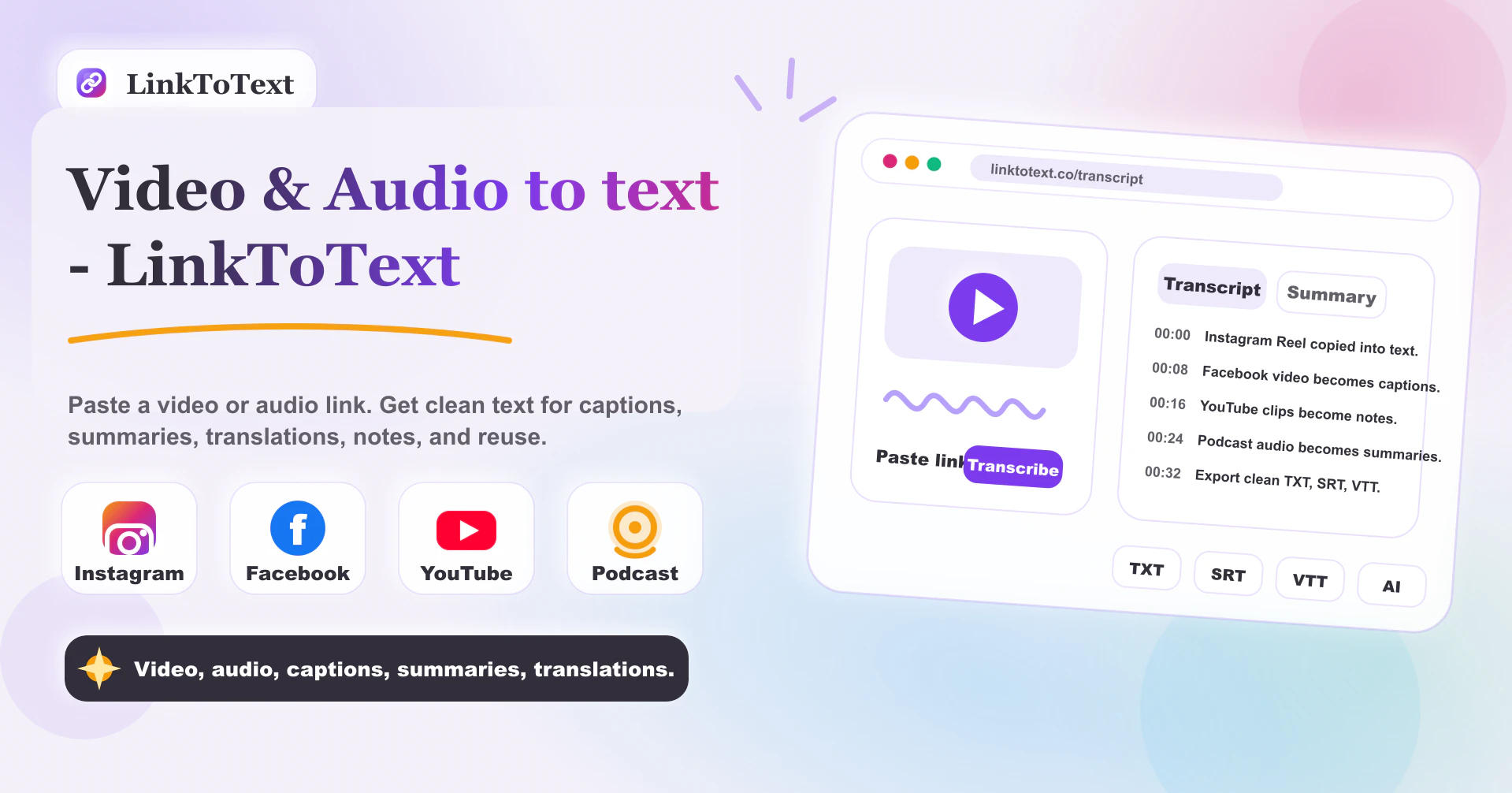
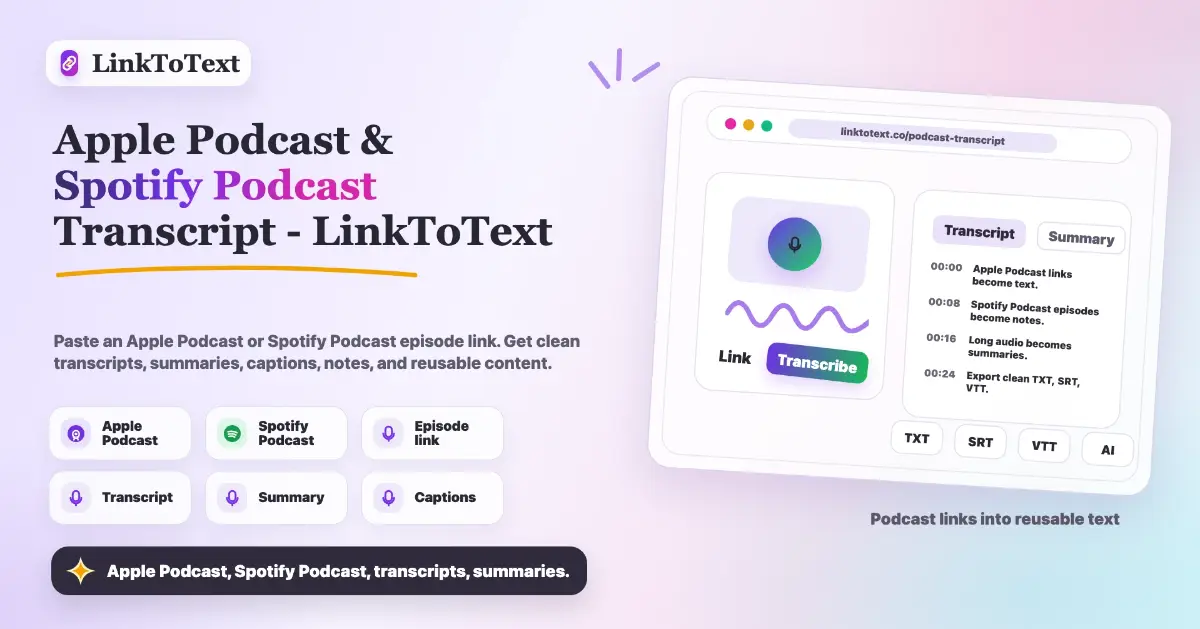
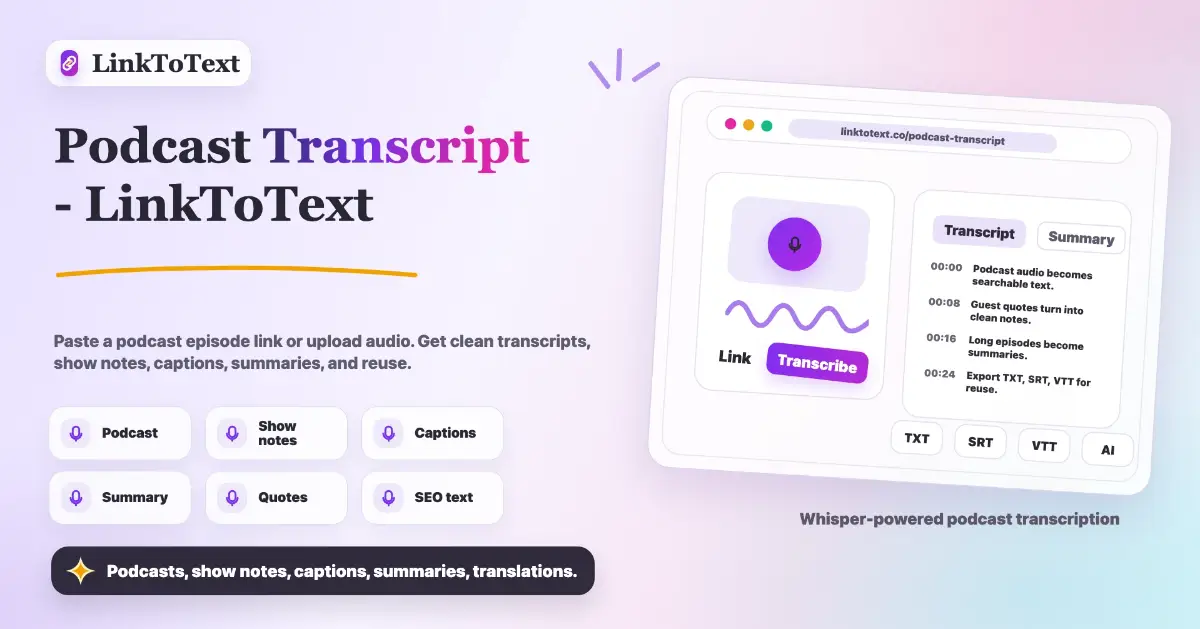
LinkToText converts public video and audio links, plus uploaded media files, into clean searchable text. It works with Instagram Reels, TikTok, YouTube, Facebook, VK videos, podcasts, and common audio or video formats. Use it to create transcripts, captions, subtitles, timestamped notes, AI summaries, translations, research notes, and reusable content assets without rewatching the original media.…
Preview
Information
People also visit
Apps people often open alongside Link To Text.
Link To Text FAQ
What is Link To Text?
LinkToText converts public video and audio links, plus uploaded media files, into clean searchable text. It works with Instagram Reels, TikTok, YouTube, Facebook, VK videos, podcasts, and common audio or video formats. Use it to create transcripts, captions, subtitles, timestamped notes, AI summaries, translations, research notes, and reusable content assets without rewatching the original media.
Is Link To Text free?
Link To Text is freemium.
Do I need to download Link To Text?
No. Link To Text runs in your browser at linktotext.co, so there's nothing to install.
What are the best Link To Text alternatives?
Popular alternatives to Link To Text include Row Zero, Stepify and Motionflare. See all Link To Text alternatives