





















Description
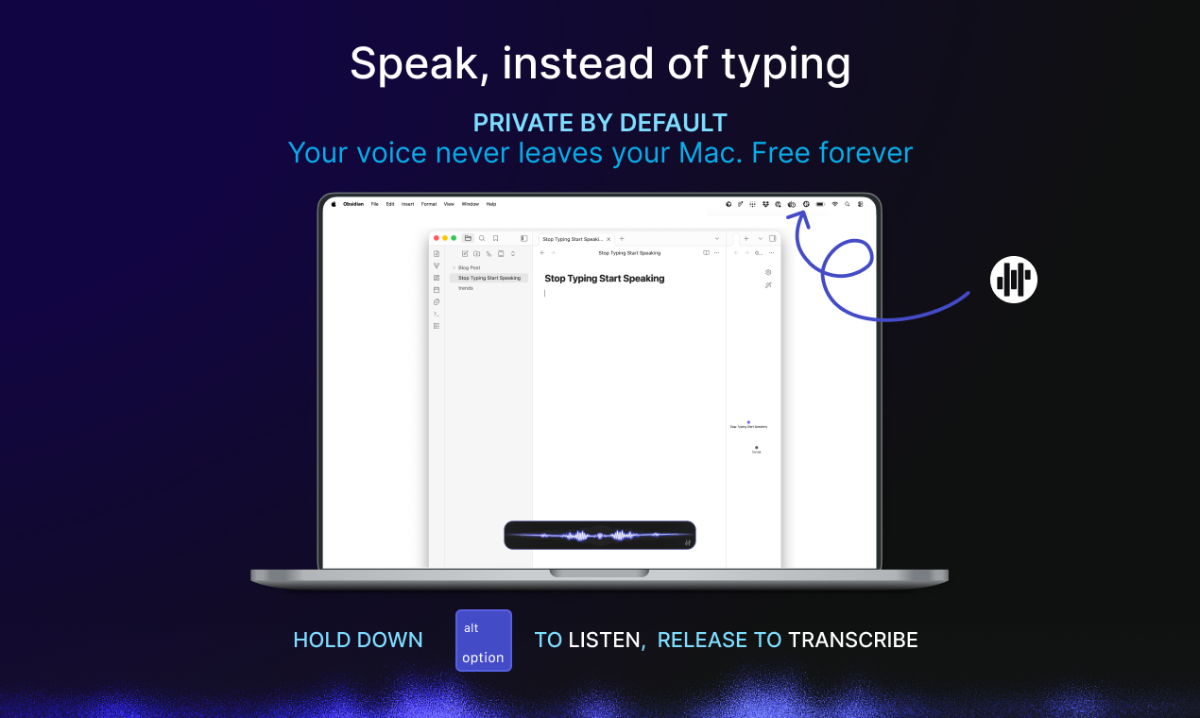
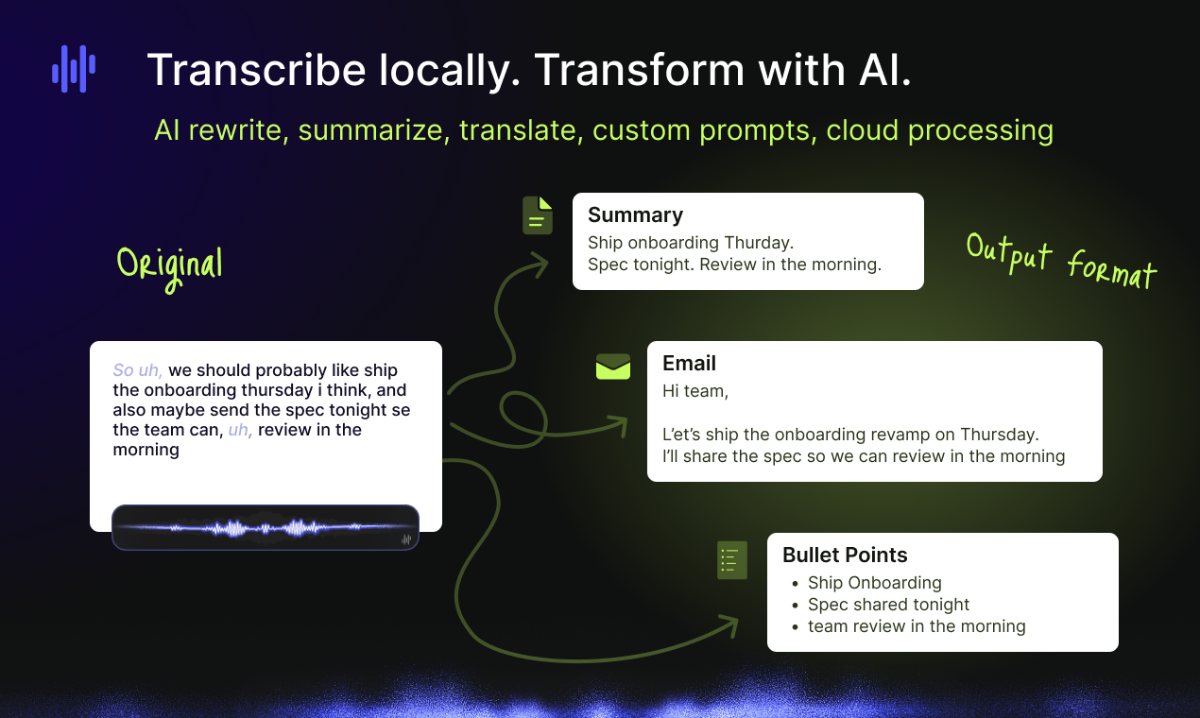
Harker turns your voice into text without sending a byte to the cloud. Hold a shortcut, speak, text appears where your cursor is. The transcription engine runs 100% locally on your Mac. No internet required, your voice leaves your machine. The core is free. Forever. No trial, no feature gates.…
Preview
Information
People also visit
Apps people often open alongside Harker.
Harker FAQ
What is Harker?
Harker turns your voice into text without sending a byte to the cloud. Hold a shortcut, speak, text appears where your cursor is. The transcription engine runs 100% locally on your Mac. No internet required, your voice leaves your machine. The core is free. Forever. No trial, no feature gates.
Is Harker free?
Yes. Harker is free to use.
Do I need to download Harker?
No. Harker runs in your browser at getharker.com, so there's nothing to install.
What are the best Harker alternatives?
Popular alternatives to Harker include HoldSpeak, VibeLing and ContextBolt. See all Harker alternatives