





















Description
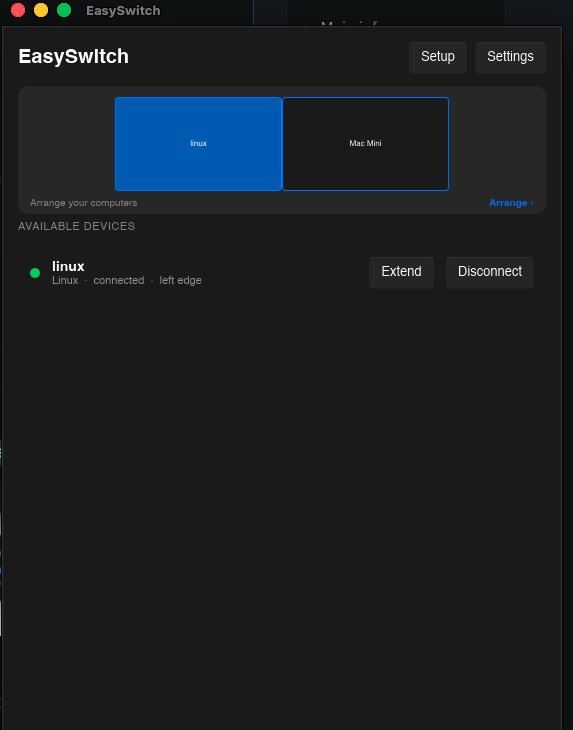
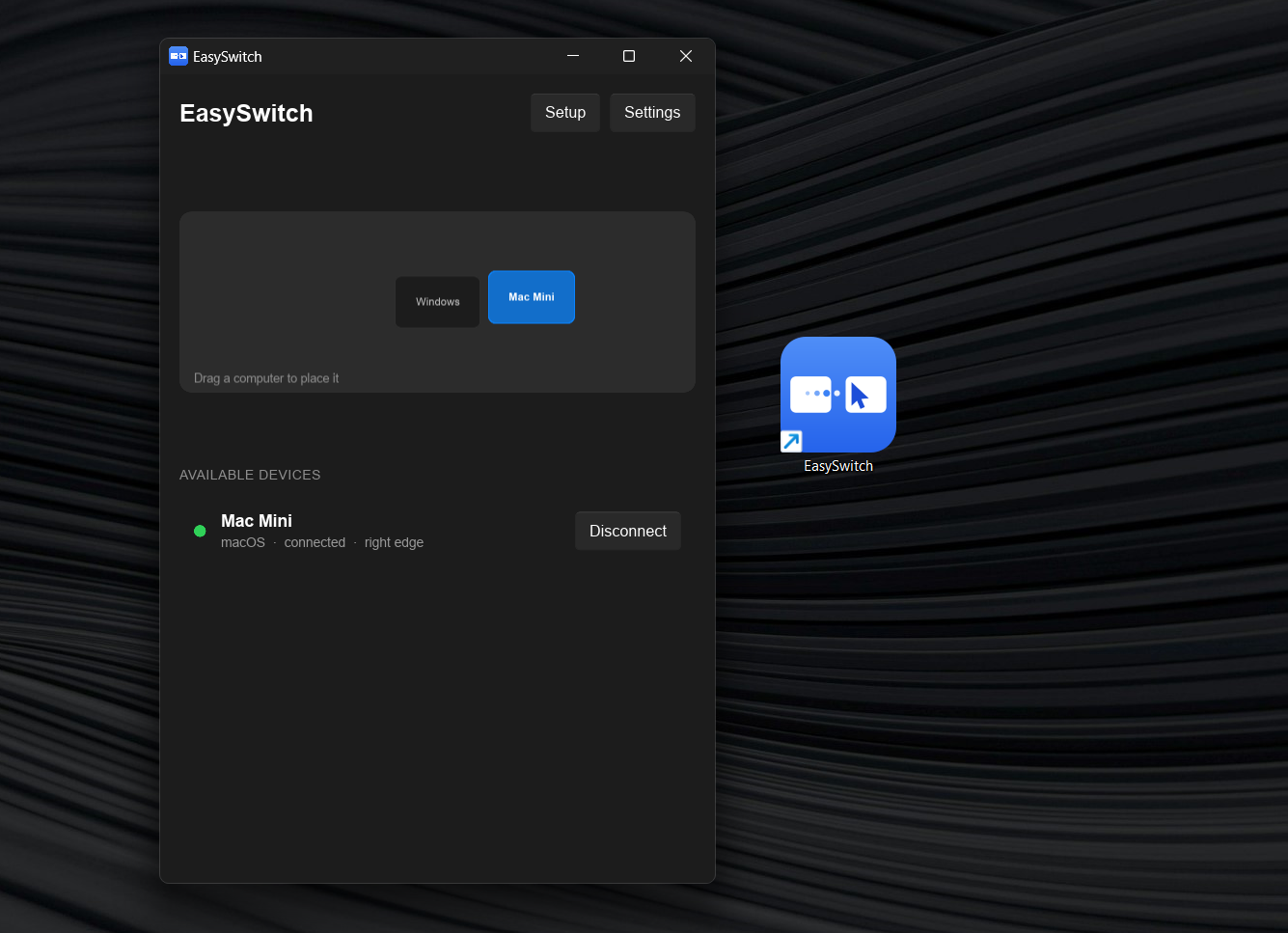
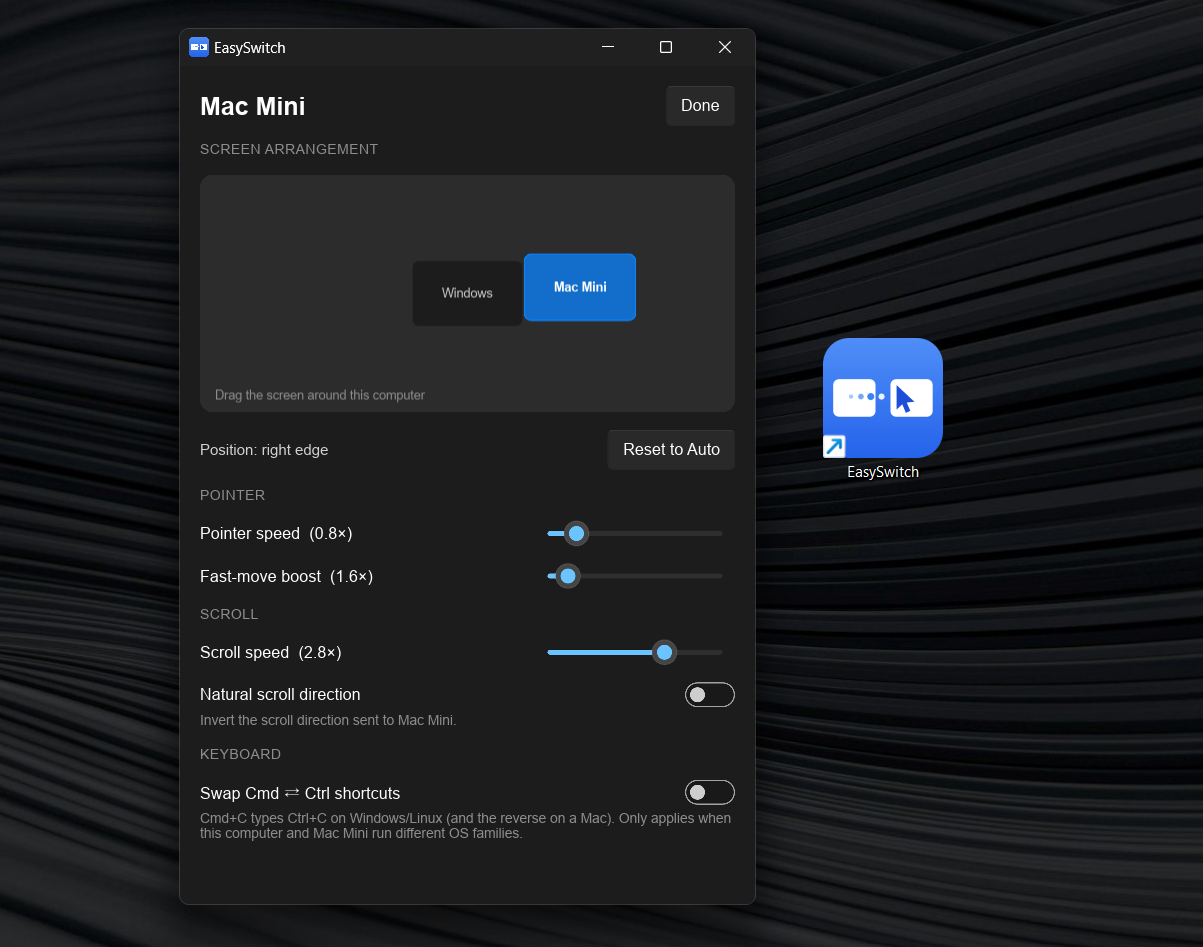
EasySwitch turns your Mac, Windows, and Linux computers into one seamless workspace. Move your cursor across screen edges just like using multiple monitors, while your keyboard, clipboard, and files follow you between machines. You can also use keyboard shortcuts to switch instantly.…
Preview
Highlights
- Seamless mouse & keyboard sharing
- Cross-platform
- Virtual Display
- Shared clipboard
- Drag & drop file transfer
- Keyboard shortcuts
People also visit
Apps people often open alongside EasySwitch.
EasySwitch FAQ
What is EasySwitch?
EasySwitch turns your Mac, Windows, and Linux computers into one seamless workspace. Move your cursor across screen edges just like using multiple monitors, while your keyboard, clipboard, and files follow you between machines. You can also use keyboard shortcuts to switch instantly.
Is EasySwitch free?
EasySwitch is freemium.
Do I need to download EasySwitch?
No. EasySwitch runs in your browser at easyswitch.realbrain.cc, so there's nothing to install.
What can you do with EasySwitch?
Main features: Seamless mouse & keyboard sharing, Cross-platform, Virtual Display, Shared clipboard, Drag & drop file transfer.
What are the best EasySwitch alternatives?
Popular alternatives to EasySwitch include ShareX, Passbolt and Ueli. See all EasySwitch alternatives