





















Description
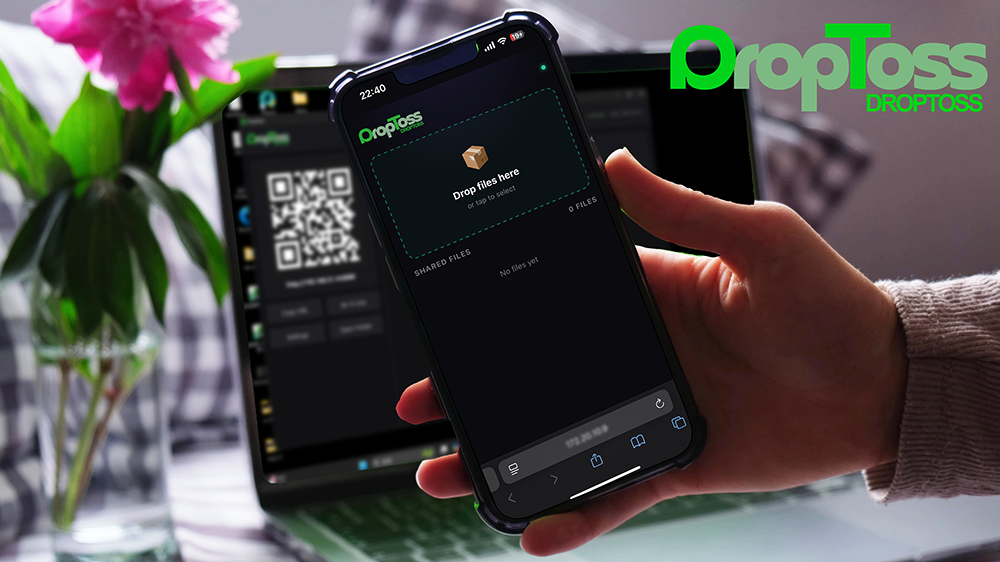
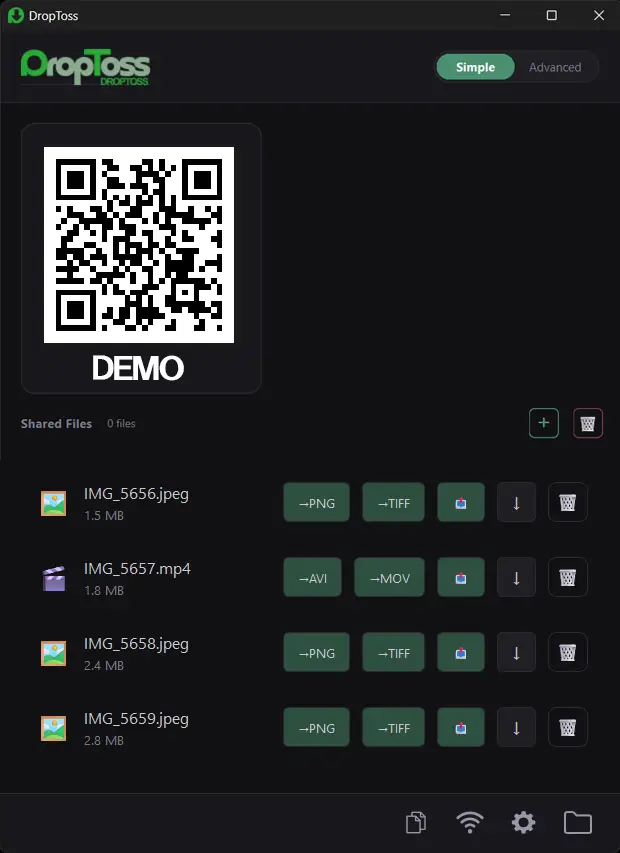
DropToss makes it easy to transfer photos, videos, audio files, and documents from an iPhone, iPad, or Android device to a Windows PC. Simply scan the QR code displayed on your computer and select the files in your phone’s browser. No mobile app installation, account registration, or USB cable is required. Key features include: QR-based phone-to-Windows file transfer.…
Preview
Information
People also visit
Apps people often open alongside DropToss.

Shootsolo
The free camera app that helps solo creators film faster: hands-free recording
DropToss FAQ
What is DropToss?
DropToss makes it easy to transfer photos, videos, audio files, and documents from an iPhone, iPad, or Android device to a Windows PC. Simply scan the QR code displayed on your computer and select the files in your phone’s browser. No mobile app installation, account registration, or USB cable is required. Key features include: QR-based phone-to-Windows file transfer.
Is DropToss free?
No. DropToss is a paid app.
Do I need to download DropToss?
No. DropToss runs in your browser at droptoss.jp, so there's nothing to install.
What are the best DropToss alternatives?
Popular alternatives to DropToss include SaveReel.app, YourVRTours and Shootsolo. See all DropToss alternatives