
























Description
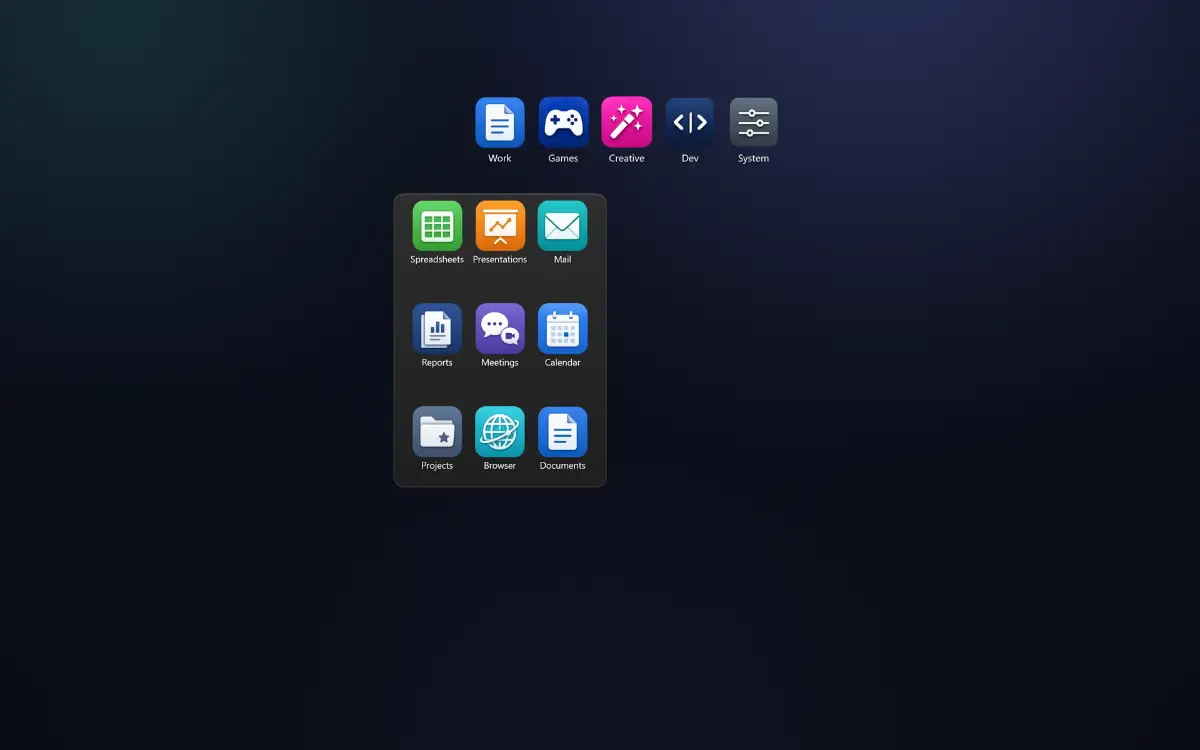
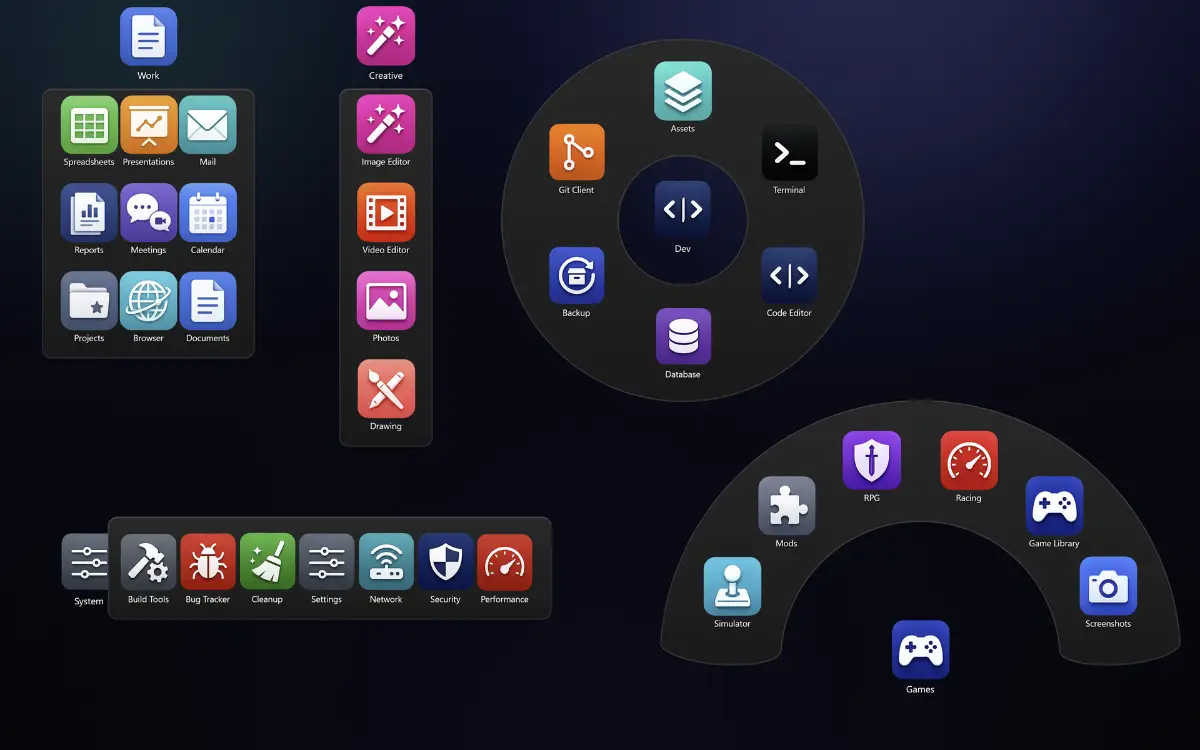
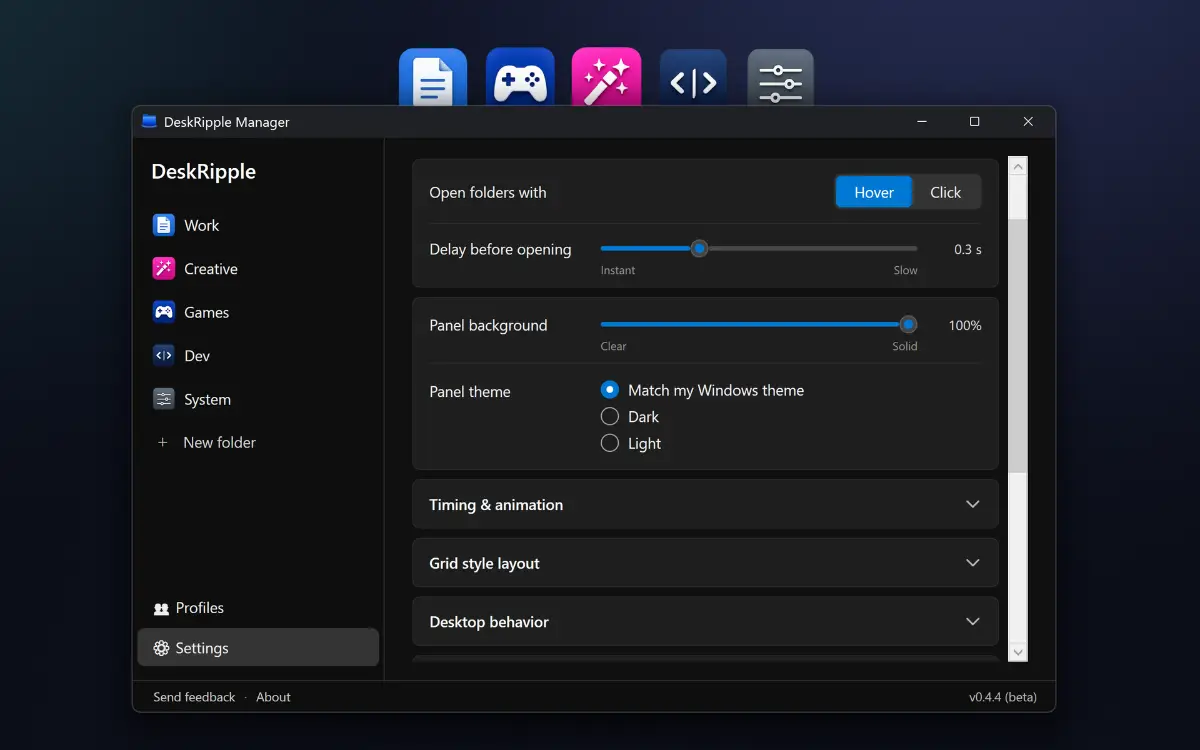
Keep your Windows desktop tidy: each group of shortcuts lives in one folder icon that expands on hover or click. Add shortcuts to apps, files, folders, and websites. Choose a layout for each folder: Grid, Column, Row, Fan, or 360° Ring. You can also set a folder to open all its shortcuts with a double-click, launching your email, calendar, and project folder together.…
Preview
Information
People also visit
Apps people often open alongside DeskRipple.
DeskRipple FAQ
What is DeskRipple?
Keep your Windows desktop tidy: each group of shortcuts lives in one folder icon that expands on hover or click. Add shortcuts to apps, files, folders, and websites. Choose a layout for each folder: Grid, Column, Row, Fan, or 360° Ring. You can also set a folder to open all its shortcuts with a double-click, launching your email, calendar, and project folder together.
Is DeskRipple free?
No. DeskRipple is a paid app.
Do I need to download DeskRipple?
No. DeskRipple runs in your browser at deskripple.com, so there's nothing to install.
What are the best DeskRipple alternatives?
Popular alternatives to DeskRipple include kept, Photo Tray and CodexSkin Store. See all DeskRipple alternatives